DNS Security Best Practices
DNS was built for speed, not security. That's why attacks like spoofing, cache poisoning, and hijacking are still common. Here are the practices that actually protect you.
Quick Answer
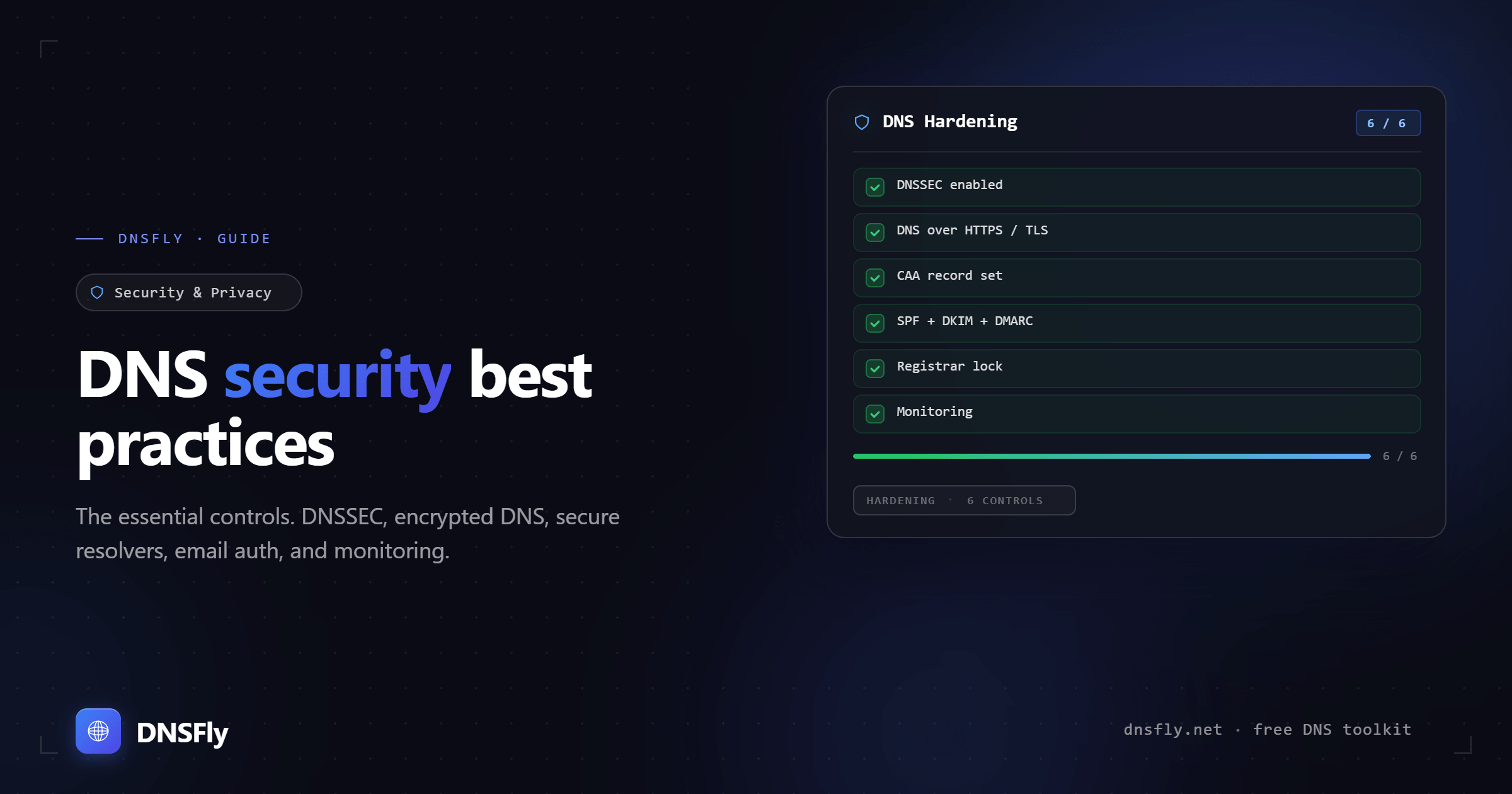
The most important DNS security practices are: enable DNSSEC to prevent spoofing, use encrypted DNS (DoH or DoT) to protect query privacy, choose a secure resolver like Quad9 or Cloudflare, set up proper email authentication records (SPF, DKIM, DMARC), and monitor your DNS records for unauthorized changes. These five steps stop the vast majority of DNS-based attacks.
Why DNS Security Matters
Every action on the internet starts with a DNS query. When you visit a website, send an email, or open an app, your device first asks a DNS resolver to translate a domain name into an IP address. If that process is compromised, an attacker can redirect you anywhere — and you'd never know.
The DNS protocol was designed in the 1980s when the internet was a trusted academic network. It has no built-in authentication, no encryption, and no way to verify that the answers you receive are legitimate. That's why DNS attacks remain one of the most effective tools in an attacker's toolkit.
Here are the most common DNS attacks:
| Attack | What Happens | Defense |
|---|---|---|
| Cache poisoning | Attacker injects fake records into a resolver's cache | DNSSEC |
| DNS hijacking | Attacker changes your domain's DNS settings at the registrar | Registrar lock + 2FA |
| DNS spoofing | Attacker returns fake DNS responses to intercept traffic | DNSSEC + encrypted DNS |
| DNS tunneling | Attacker encodes data inside DNS queries to exfiltrate information | DNS monitoring + filtering |
| Email spoofing | Attacker sends emails pretending to be from your domain | SPF + DKIM + DMARC records |
1. Enable DNSSEC
DNSSEC (Domain Name System Security Extensions) adds cryptographic signatures to DNS records. When a resolver receives a DNS response, it can verify that the data actually came from the authoritative server and hasn't been tampered with in transit.
Without DNSSEC, resolvers blindly trust whatever response arrives first — making cache poisoning trivially easy. With DNSSEC, any tampered response fails signature verification and gets rejected.
How to enable DNSSEC:
If you use Cloudflare DNS: Dashboard → DNS → scroll to DNSSEC → Enable. One click.
If you use another DNS provider: Generate DS records in your DNS provider's dashboard, then add them at your domain registrar.
To verify: Look up your domain's DS record using DNSFly's DNS Propagation Checker. If DS records exist, DNSSEC is active.
Note: DNSSEC verifies data integrity — it does not encrypt DNS queries. For encryption, you need DoH or DoT (covered below).
2. Use Encrypted DNS (DoH or DoT)
Standard DNS sends your queries in plain text over port 53. Anyone between you and the resolver — your ISP, a WiFi hotspot operator, or an attacker — can see every domain you look up. Encrypted DNS protocols fix this:
| Protocol | Port | How It Works | Best For |
|---|---|---|---|
| DNS over HTTPS (DoH) | 443 | DNS queries wrapped in HTTPS | Browsers, hard to block |
| DNS over TLS (DoT) | 853 | DNS queries over TLS connection | System-wide, routers |
| Standard DNS | 53 | Plain text, no encryption | Not recommended |
Most modern browsers (Chrome, Firefox, Edge) support DoH natively. For system-wide encrypted DNS, configure DoT on your router or device. Resolvers like Quad9, Cloudflare, and Google DNS all support both protocols.
3. Choose a Secure DNS Resolver
Your default DNS resolver is usually your ISP's, which may log your queries, inject ads, or lack security features. Switching to a reputable public resolver improves both security and privacy:
Quad9 (9.9.9.9)
Blocks malware and phishing by default. No IP logging. Swiss non-profit. Best for security. Full guide →
Cloudflare (1.1.1.1)
Fastest public resolver. Logs purged within 24 hours. Optional malware filtering on 1.1.1.2. Best for speed.
Google DNS (8.8.8.8)
Highly reliable. Temporary logging. No malware filtering. Best for reliability. See all DNS servers →
After switching resolvers, flush your DNS cache and use DNSFly's DNS Propagation Checker to verify your domains are resolving correctly through the new resolver.
4. Secure Your Email with DNS Records
Email spoofing — where an attacker sends emails pretending to be from your domain — is one of the most common attack vectors. Three DNS records work together to prevent it:
SPF (Sender Policy Framework)
A TXT record that lists which servers are allowed to send email on behalf of your domain. Receiving servers check SPF to verify the sender.
DKIM (DomainKeys Identified Mail)
Adds a cryptographic signature to every email you send. The public key is published as a TXT record in DNS. Receiving servers use it to verify the email wasn't modified in transit.
DMARC (Domain-based Message Authentication)
Tells receiving servers what to do when SPF or DKIM checks fail — reject, quarantine, or allow the email. Also lets you receive reports about who's sending email using your domain.
All three are implemented as TXT records in your DNS. You can verify they're set up correctly by looking up your domain's TXT records with DNSFly.
5. Lock Your Domain and Monitor Changes
Even the best DNS configuration can be undone if someone gains access to your registrar account. These steps protect against that:
Enable registrar lock
Most registrars offer a domain lock (also called "transfer lock" or "clientTransferProhibited"). This prevents your domain from being transferred to another registrar without explicitly unlocking it first.
Enable two-factor authentication (2FA)
Protect your registrar account with 2FA. If an attacker gets your password, they still can't access your account without the second factor. This single step prevents most DNS hijacking attacks.
Monitor your DNS records
Periodically check your A records, NS records, and MX records to make sure nothing has changed unexpectedly. Unauthorized changes to these records can redirect your website or email to an attacker's servers.
Use CAA records
CAA (Certificate Authority Authorization) records specify which CAs are allowed to issue SSL certificates for your domain. This prevents an attacker from getting a valid certificate for your domain from an unauthorized CA.
Set reasonable TTLs
Long TTL values mean stale or poisoned records persist longer in caches. For critical records, a TTL of 300-3600 seconds (5 minutes to 1 hour) gives a good balance between performance and the ability to make quick changes if compromised.
DNS Security Checklist
Use this checklist to audit your domain's DNS security:
DNSSEC enabled (DS records present at parent zone)
Using encrypted DNS (DoH or DoT) on devices and/or router
Using a reputable DNS resolver (Quad9, Cloudflare, or Google DNS)
SPF record configured for your domain
DKIM signing enabled for outgoing email
DMARC policy set (at least p=quarantine)
Domain transfer lock enabled at registrar
Two-factor authentication on registrar account
CAA records limiting certificate issuance
TTL values reviewed (not excessively long)
Audit Your DNS Security
Check your domain's DNS records, verify DNSSEC, inspect your SSL certificate, and review your HTTP security headers — all from one place.