What is a Wildcard DNS Record?
A wildcard DNS record is a catch-all that handles requests for any subdomain you haven't explicitly defined. Here's how it works, when to use it, and what can go wrong.
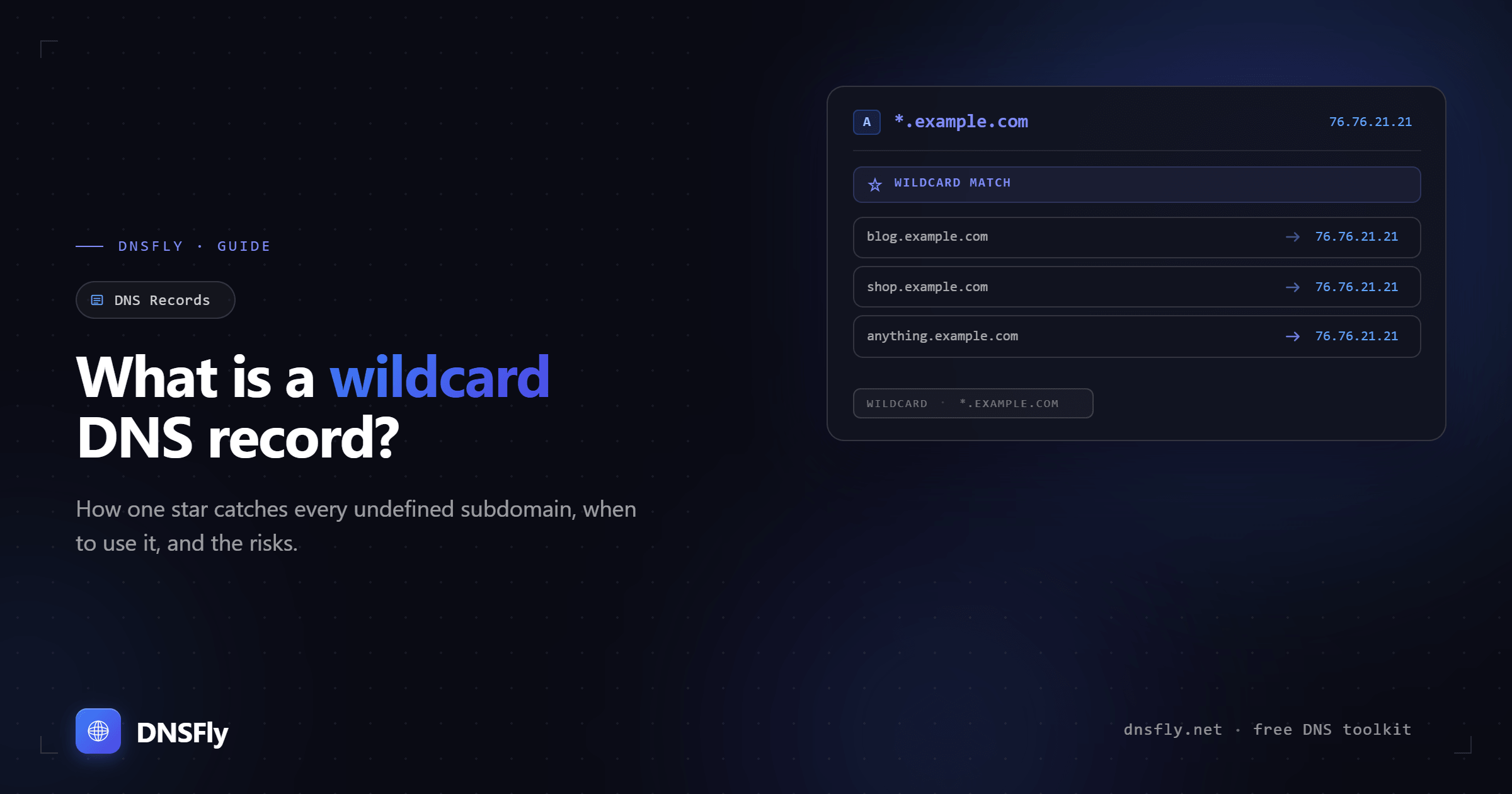
Quick Answer
A wildcard DNS record uses an asterisk (*) as the subdomain name — like *.example.com. It matches any subdomain that doesn't already have its own DNS record. So if someone visits anything.example.com and there's no specific record for it, the wildcard record responds instead. Wildcard records are commonly used for multi-tenant SaaS apps, development environments, and catch-all routing.
1. How Wildcard DNS Records Work
In standard DNS, every subdomain needs its own record. If you want blog.example.com to work, you create an A record or CNAME record specifically for it.
A wildcard record changes this. By creating a record with * as the hostname, you tell DNS servers: "For any subdomain that doesn't have its own record, use this one."
Key rule: Specific records always override wildcard records. If a subdomain has its own record, the wildcard is ignored for that subdomain.
2. Wildcard Syntax Rules
Wildcard records follow specific rules that are often misunderstood:
| Record | Valid? | Notes |
|---|---|---|
| *.example.com | ✓ Valid | Standard wildcard — matches all undefined subdomains |
| *.www.example.com | ✓ Valid | Scoped wildcard — only matches subdomains under www |
| *abc.example.com | ✗ Invalid | Asterisk must be the entire leftmost label, not part of it |
| abc.*.example.com | ✗ Invalid | Asterisk must be the leftmost label only |
| *.*.example.com | ⚠ Partial | Only the first * is a wildcard, the second is literal |
The wildcard applies across multiple levels by default. A record for *.example.com will match both one.example.com and deep.sub.example.com — unless a more specific record exists in between.
3. When to Use Wildcard DNS Records
Multi-tenant SaaS applications
Platforms like Shopify or WordPress.com give each customer a subdomain (mystore.shopify.com). A wildcard record routes all customer subdomains to the same infrastructure, where the application handles routing internally.
Development and staging environments
Teams create subdomains like feature-x.dev.example.com for each branch or developer. A wildcard on *.dev.example.com means no DNS changes are needed for each new environment.
Catch-all for typos and undefined subdomains
Instead of visitors seeing a DNS error when they type ww.example.com or wwww.example.com, a wildcard record routes them to your main site or a custom error page.
Email catch-all
A wildcard MX record can route email for any subdomain to your mail server. However, this needs careful configuration to avoid SPF/DKIM issues.
4. Risks and When to Avoid Wildcards
Wildcard records are powerful but can cause serious problems if misused:
Subdomain takeover
If your wildcard points to cloud infrastructure (like AWS CloudFront) and that resource is deleted, an attacker can claim it. Now login.example.com serves attacker-controlled content — with your domain name.
Internal DNS confusion
Devices on your network may append your domain as a search suffix. A wildcard means typos like google.com.example.com resolve instead of failing — causing broken functionality and hard-to-debug errors.
SSL certificate complications
A wildcard SSL certificate (*.example.com) paired with a wildcard DNS record means any compromised subdomain serves valid HTTPS, making attacks harder to detect. This tradeoff matters most at scale, where agencies weigh wildcard SSL against a certificate per host.
Email deliverability issues
A wildcard MX record can conflict with SPF and DKIM configurations, potentially causing email from undefined subdomains to be flagged as spam.
Best practice: Only use wildcard DNS records if you have a clear use case. If you don't need one, don't create one — explicit records are always safer.
5. How to Set Up a Wildcard DNS Record
Setting up a wildcard record is straightforward in most DNS providers:
Step 1: Log into your DNS provider (Cloudflare, Route 53, your registrar, etc.)
Step 2: Add a new DNS record
Step 3: Set the record fields:
| Field | Value |
|---|---|
| Type | A (or CNAME) |
| Name / Host | * |
| Value / Target | Your server IP or hostname |
| TTL | 3600 (1 hour) |
Step 4: Save and wait for DNS propagation
After creating the record, use DNSFly's DNS Propagation Checker to verify it's resolving correctly across global servers.
Check Your Wildcard DNS Record
Enter any subdomain of your domain to see if your wildcard record is active and propagating correctly across 21 global DNS servers.
Securing multiple subdomains?
A Wildcard SSL certificate from SSL.com secures every subdomain (*.example.com) with a single certificate, so you don't manage one cert per host.
DNSFly earns a commission if you sign up through this link, at no extra cost to you.