What is Quad9 DNS (9.9.9.9)?
Quad9 is a free DNS service that blocks malware and phishing at the DNS level — before threats ever reach your device. Here's how it works, how it compares, and how to set it up.
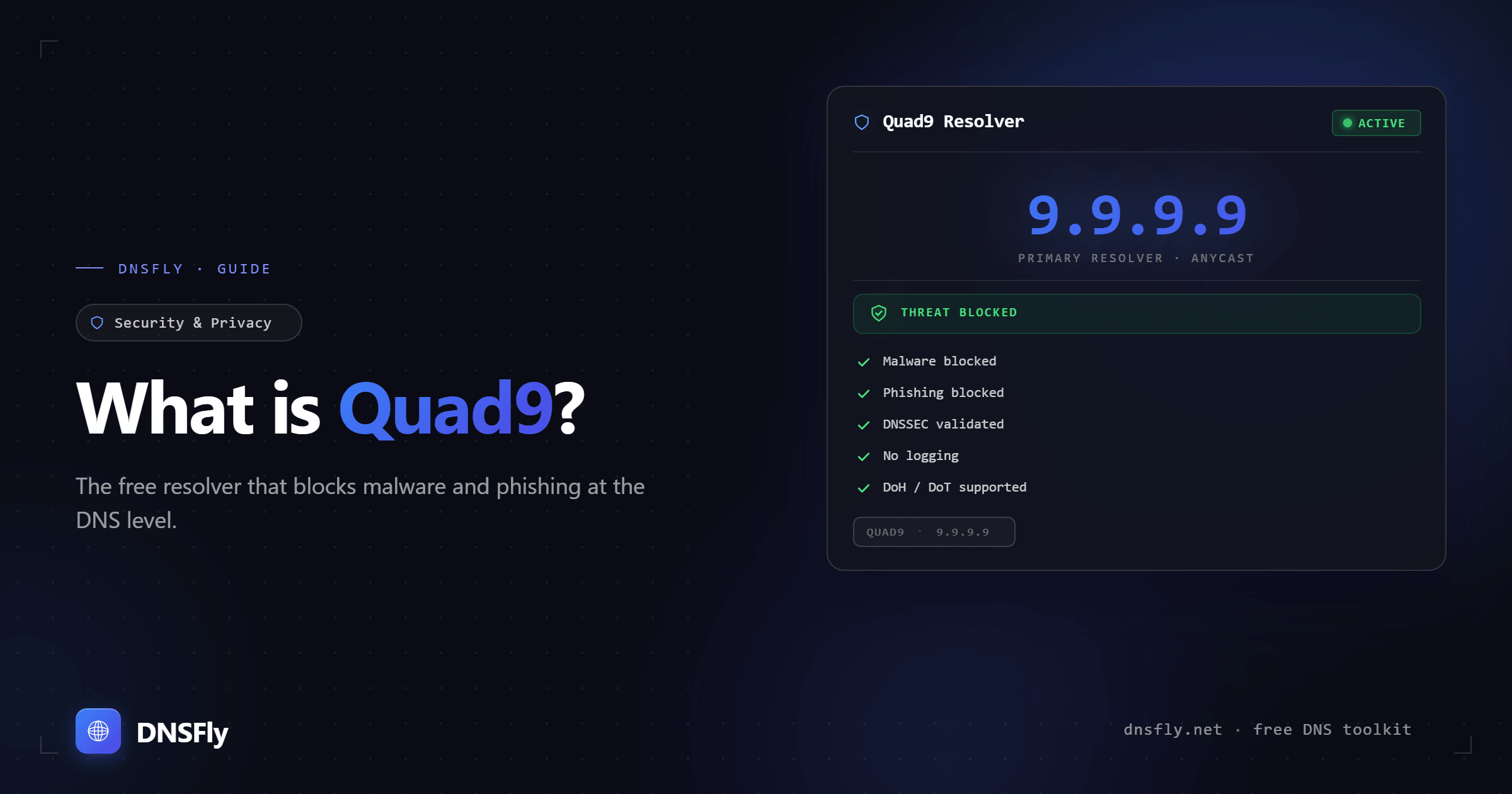
Quick Answer
Quad9 (9.9.9.9) is a free, privacy-focused public DNS resolver operated by a Swiss non-profit. It automatically blocks access to known malicious domains (malware, phishing, botnets) using threat intelligence from 20+ security providers. It doesn't log your IP address, supports encrypted DNS (DoT/DoH), and operates from 259+ locations worldwide. To use it, just change your device's DNS settings to 9.9.9.9.
What is Quad9?
Quad9 is a public DNS resolver — a service that translates domain names (like google.com) into IP addresses. It's an alternative to your ISP's default DNS or other public resolvers like Google DNS (8.8.8.8) and Cloudflare DNS (1.1.1.1).
What makes Quad9 different is its focus on security. When you use Quad9 as your DNS resolver, it checks every domain lookup against threat intelligence from over 20 security providers. If the domain is associated with malware, phishing, or botnets, Quad9 blocks the lookup — your device never connects to the threat.
Quad9 is operated by the Quad9 Foundation, a Swiss non-profit headquartered in Zürich. It was originally founded in 2017 by the Global Cyber Alliance (GCA), Packet Clearing House (PCH), and IBM. Being Swiss-based means it's subject to Swiss privacy law — one of the strongest in the world — rather than US surveillance laws.
Quad9 DNS Addresses
| Service | IPv4 | IPv6 | Features |
|---|---|---|---|
| Secured (recommended) | 9.9.9.9 149.112.112.112 | 2620:fe::fe 2620:fe::9 | Malware blocking + DNSSEC |
| Unsecured (debug only) | 9.9.9.10 149.112.112.10 | 2620:fe::10 2620:fe::fe:10 | No blocking, no DNSSEC |
| Secured + ECS | 9.9.9.11 149.112.112.11 | 2620:fe::11 2620:fe::fe:11 | Malware blocking + DNSSEC + EDNS Client Subnet |
For most users, 9.9.9.9 with 149.112.112.112 as secondary is the right choice. The secondary address ensures DNS still works if the primary is temporarily unreachable.
Why Use Quad9?
Built-in threat protection
Quad9 blocks over 670 million threats per day using intelligence from 20+ security providers. It stops malware, phishing, and botnet connections at the DNS level — before your browser or device ever contacts the malicious server.
No IP logging
Quad9 does not log your IP address. The only data collected is anonymized, aggregated information (like which cities see the most malware queries) for threat analysis. Your browsing activity cannot be traced back to you.
Swiss privacy law
Headquartered in Zürich, Quad9 is subject to Swiss data protection law — which the Swiss government extends to all Quad9 users globally, regardless of citizenship. This means it's not subject to US surveillance laws like FISA or the Patriot Act.
Encrypted DNS support
Supports DNS over TLS (DoT on port 853), DNS over HTTPS (DoH on port 443), and DNSCrypt. These encrypt your DNS queries so your ISP can't see which domains you're looking up.
DNSSEC validation
Quad9's secured service validates DNSSEC responses, protecting you from DNS spoofing attacks where an attacker returns fake IP addresses for legitimate domains.
Non-profit, no data selling
Unlike commercial DNS providers, Quad9 has no incentive to monetize your data. It's funded by organizations focused on internet security, not advertising revenue.
Quad9 vs Google DNS vs Cloudflare DNS
| Quad9 | Google DNS | Cloudflare DNS | |
|---|---|---|---|
| Address | 9.9.9.9 | 8.8.8.8 | 1.1.1.1 |
| Malware blocking | Yes (20+ threat feeds) | No | Optional (1.1.1.2) |
| IP logging | No | Yes (temporary) | Purged in 24h |
| DNSSEC | Yes | Yes | Yes |
| DoT / DoH | Yes | Yes | Yes |
| Operator | Non-profit (Swiss) | Google (US) | Cloudflare (US) |
| Locations | 259+ in 106 countries | Not disclosed | 330+ cities |
| Best for | Security + privacy | Reliability + speed | Speed + privacy |
All three are solid choices. Quad9 stands out if security is your priority — it's the only one that blocks malicious domains by default. You can test how your current DNS resolves domains using DNSFly's DNS Propagation Checker, which queries servers running Google, Cloudflare, and Quad9 across 21 global locations.
How to Set Up Quad9
Windows
Settings → Network & Internet → Change adapter options → Right-click your connection → Properties → Internet Protocol Version 4 → Use the following DNS:
Alternate: 149.112.112.112
Mac
System Settings → Network → Select your connection → Details → DNS → Add:
149.112.112.112
Android
Settings → Network & Internet → Advanced → Private DNS → Enter hostname:
Router (protects all devices)
Log into your router's admin panel → Find DNS settings (usually under WAN or Internet) → Set DNS servers to:
Secondary: 149.112.112.112
Setting it on your router protects every device on your network — phones, laptops, smart TVs, IoT devices — without changing each one individually.
After changing your DNS, flush your DNS cache to make sure the change takes effect immediately.
When Quad9 Might Not Be Right
You need the absolute fastest DNS
Cloudflare (1.1.1.1) consistently benchmarks as the fastest public resolver. If raw speed is your top priority and you don't need malware blocking, Cloudflare may be a better fit.
You want ad blocking
Quad9 only blocks security threats, not ads or trackers. For DNS-level ad blocking, look at Pi-hole, NextDNS, AdGuard DNS, or Cloudflare's family filter (1.1.1.3).
DNSFly earns a commission if you sign up through this link, at no extra cost to you.
A legitimate domain is being blocked
Occasionally, Quad9's threat intelligence may flag a domain incorrectly. If a site you trust isn't resolving, try 9.9.9.10 (the unfiltered service) to confirm. You can report false positives to Quad9 directly.
Test Your DNS Configuration
After switching to Quad9, verify your DNS is working correctly by checking how your domain resolves across 21 global servers — including locations running Google, Cloudflare, and Quad9.