What is a DNS NS Record?
NS records are the foundation of DNS — they tell the internet which servers are in charge of your domain. Here's how they work and why they matter.
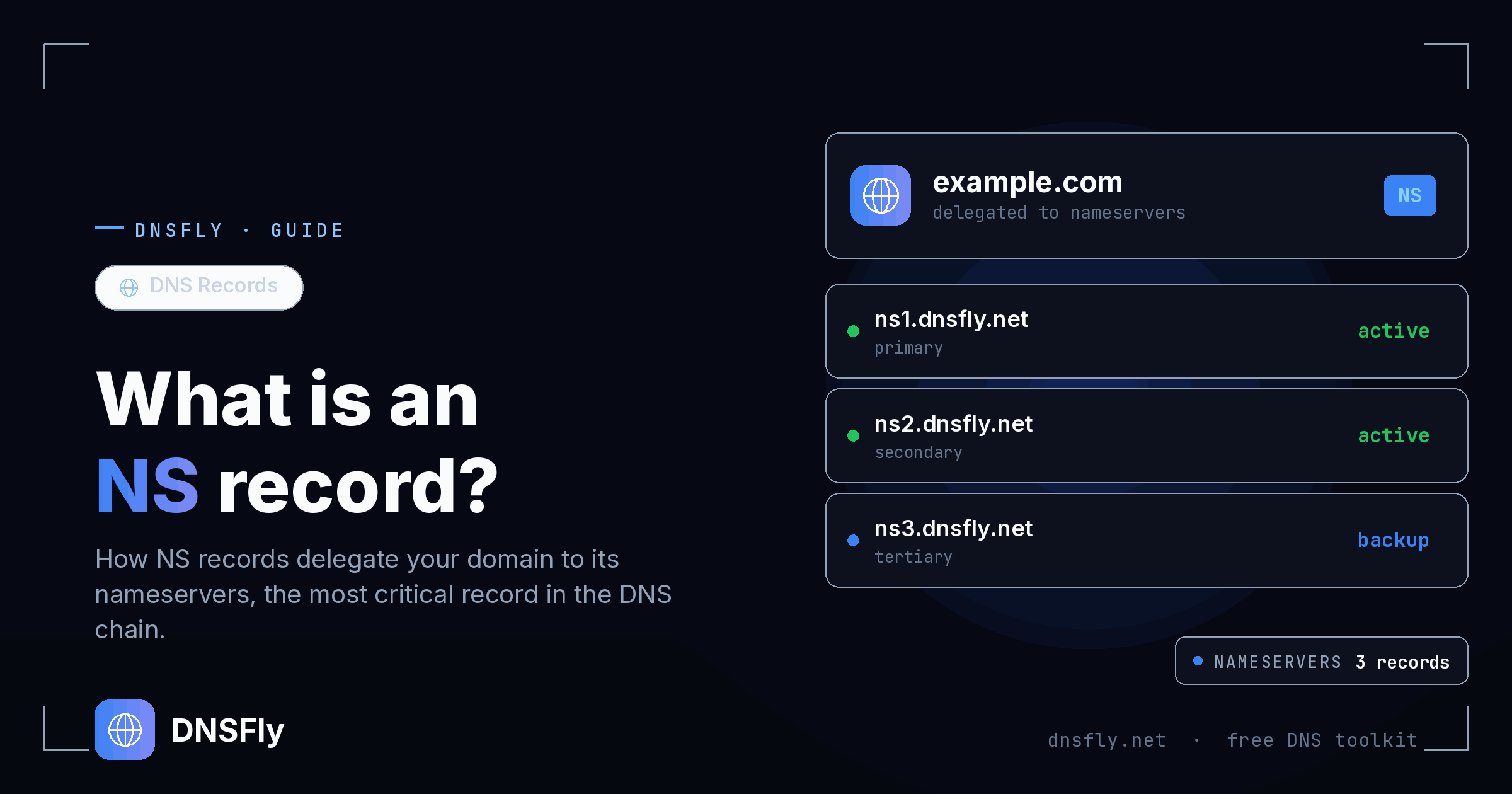
Quick Answer
An NS (Name Server) record is a DNS record that specifies which servers are authoritative for a domain. In other words, NS records tell the internet "if you want any DNS information about this domain, ask these servers." Every domain needs at least two NS records to function. If your NS records are wrong, your entire domain — website, email, everything — stops working.
What is an NS Record?
An NS record (Name Server record) tells the internet which servers hold the DNS information for a domain. Think of it like a building's front desk — when someone arrives looking for a specific person, the front desk doesn't have the answers themselves, but they know exactly which department to send you to.
Similarly, NS records don't contain your website's IP address or email settings directly. Instead, they point to the nameservers that do — the servers that store your A records, MX records, TXT records, and every other DNS record for your domain.
Here's what NS records look like:
example.com.   NS   ns1.cloudflare.com.
example.com.   NS   ns2.cloudflare.com.
This tells the internet: "For any DNS query about example.com, ask Cloudflare's nameservers — they have all the records."
How NS Records Work
When you type a domain name into your browser, a chain of lookups happens behind the scenes. NS records are what make this chain work. Here's the simplified version:
Step 1: Root servers
Your browser asks a root DNS server: "Where do I find information about example.com?" The root server doesn't know the answer, but it knows who handles .com domains and sends you there.
Step 2: TLD servers
The .com TLD (Top-Level Domain) server checks its records and finds the NS records for example.com. It responds: "The nameservers for this domain are ns1.cloudflare.com and ns2.cloudflare.com."
Step 3: Authoritative nameserver
Your browser now queries ns1.cloudflare.com directly. This server holds all the DNS records for example.com and returns the actual answer — like the A record with the website's IP address.
Step 4: Connection
Your browser now has the IP address and connects to the web server. The page loads. All of this happens in milliseconds.
Key point: Without NS records, the chain breaks at Step 2. The TLD server wouldn't know where to send the query, and your domain would be completely unreachable — no website, no email, nothing.
Primary vs Secondary Nameservers
Most domains have at least two NS records pointing to different nameservers. This isn't optional — it's essential for reliability.
| Type | Role | Example |
|---|---|---|
| Primary | Holds the master copy of all DNS records. Changes are made here first. | ns1.cloudflare.com |
| Secondary | Holds an exact copy synced from the primary. Takes over if primary is unavailable. | ns2.cloudflare.com |
From a user's perspective, both primary and secondary nameservers are equally authoritative — they hold the same records and can answer queries independently. The distinction between primary and secondary is about how records are managed behind the scenes, not about which server is "better."
Some providers like AWS Route 53 assign four nameservers for even greater redundancy. The more nameservers you have, the less likely a DNS outage.
When Do You Need to Change NS Records?
Most people never touch their NS records after initial setup. But there are a few common scenarios where you'd need to update them:
Moving to a new DNS provider
If you switch from your registrar's default DNS to Cloudflare, AWS Route 53, or another provider, you need to update your NS records at your registrar to point to the new provider's nameservers. This is the most common reason to change NS records.
Changing web hosting providers
Some hosting providers (like managed WordPress hosts) require you to use their nameservers. When you switch hosts, they may ask you to update your NS records to point to their servers.
Delegating subdomains
You can create NS records for subdomains to delegate them to different nameservers. For example, blog.example.com could use a different DNS provider than example.com — useful for large organizations where different teams manage different subdomains.
Setting up DNSSEC
When enabling DNSSEC (DNS Security Extensions), you may need to coordinate your NS records with the new DS (Delegation Signer) records at your registrar to ensure the security chain is properly established.
Important: NS record changes are made at your domain registrar (where you bought the domain), not in your DNS provider's dashboard. This is a common point of confusion. Your registrar controls which nameservers the TLD servers point to for your domain.
How to Check NS Records
You can check any domain's NS records using DNSFly's DNS Checker:
Step 1: Go to DNSFly NS Record Lookup
Step 2: Enter the domain you want to check (e.g. google.com)
Step 3: The record type is preset to NS
Step 4: Click Lookup — you'll see the nameservers reported by 21 DNS servers worldwide
If all 21 servers return the same nameservers, your NS records are properly propagated. If some servers return different nameservers, you may have recently changed them and propagation is still in progress.
You can also check NS records from the command line:
# Windows
nslookup -type=ns google.com

# Mac / Linux
dig google.com NS
Common NS Record Mistakes
Mismatched NS records
The NS records at your registrar must match the NS records in your DNS zone. If your registrar points to Cloudflare's nameservers but your zone file lists GoDaddy's nameservers, you'll get inconsistent behavior and potential outages.
Pointing NS records to a CNAME
NS records must point to an actual hostname with an A record, never to a CNAME. This is a strict DNS rule — an NS record pointing to a CNAME will fail.
Only one nameserver
Using a single NS record means you have no redundancy. If that one nameserver goes down, your entire domain is unreachable. Always use at least two nameservers, ideally on different networks.
Forgetting to set up DNS before changing NS records
If you change your NS records to a new provider before setting up your DNS records there, your domain will go down. Always configure all your DNS records at the new provider first, then change the NS records at your registrar.
Check Your NS Records
Verify your nameserver records are propagated correctly across 21 global DNS servers. See if all servers agree on which nameservers are authoritative for your domain.
Check NS Records