What is a DNS TXT Record?
A simple guide to TXT records — what they are, why they matter for email security, and how SPF, DKIM, and DMARC work together.
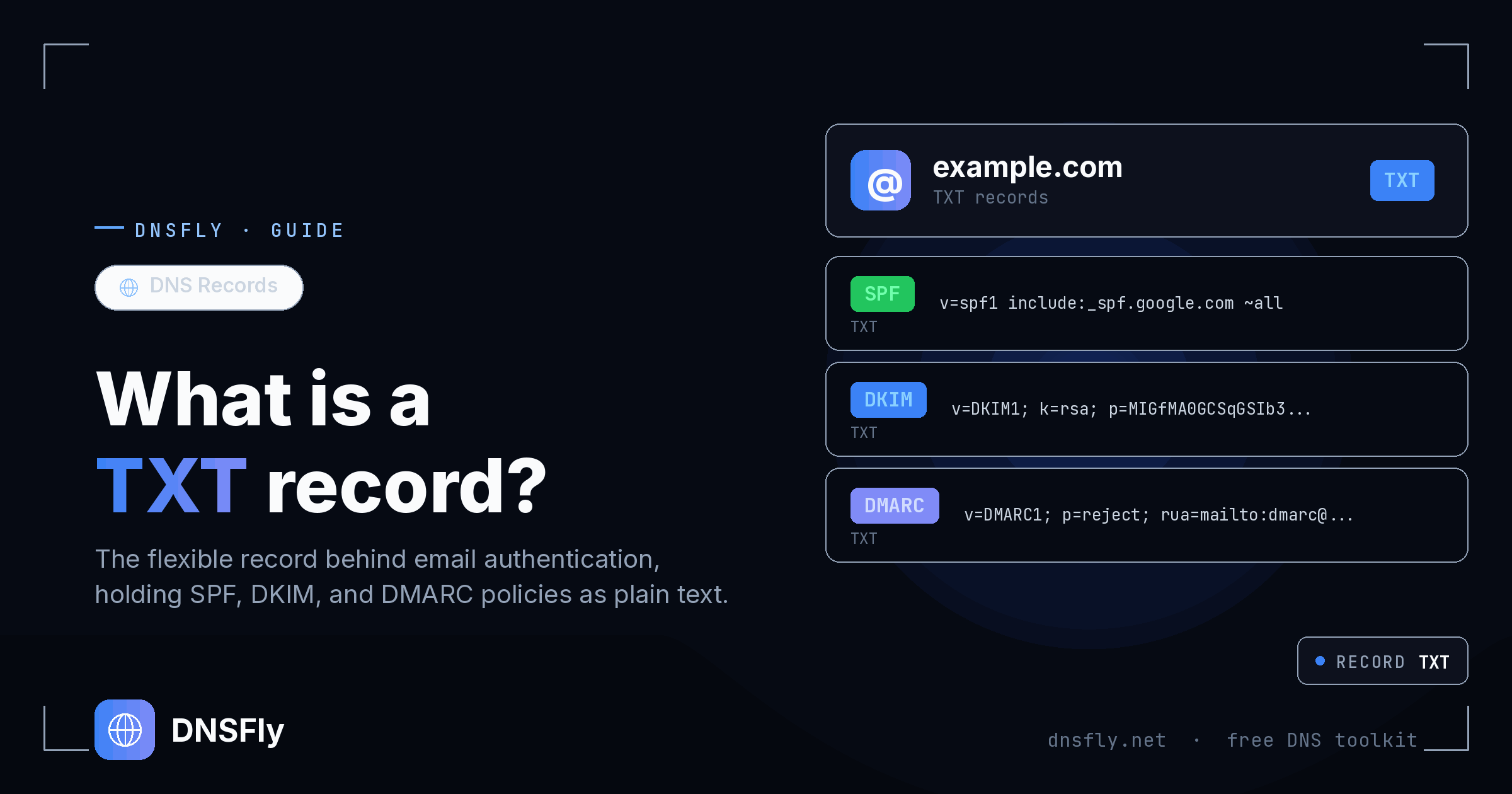
Quick Answer
A TXT (Text) record is a DNS record that stores text-based information about a domain. While originally designed for human-readable notes, TXT records are now primarily used for email authentication (SPF, DKIM, DMARC) and domain ownership verification. For example, when Google asks you to "add a TXT record to verify your domain," you're adding a specific text string to your DNS that Google can look up to confirm you own the domain.
What is a TXT Record?
A TXT record is a type of DNS record that lets you store text information about your domain. Think of it like a sticky note attached to your domain name — anyone who looks it up can read what's written on it.
Unlike A records (which point to IP addresses) or CNAME records (which point to other domains), TXT records don't direct traffic anywhere. They simply hold text that other services can read and use.
Here's what a simple TXT record looks like:
example.com. TXT "v=spf1 include:_spf.google.com ~all"That example is an SPF record — it tells email servers which services are allowed to send email on behalf of example.com. But a TXT record can contain virtually any text, which is what makes it so versatile.
What Are TXT Records Used For?
TXT records were originally designed for human-readable notes, but today they serve several critical functions.
Email authentication (SPF, DKIM, DMARC)
The most important use. These three protocols work together to prevent email spoofing and spam. They're all stored as TXT records. Without them, anyone could send emails pretending to be from your domain.
Domain ownership verification
Services like Google Workspace, Microsoft 365, Mailchimp, and Shopify ask you to add a unique TXT record to prove you own the domain. They give you a code like google-site-verification=abc123... — once they see it in your DNS, you're verified.
Security policies
TXT records can store security policies that tell browsers and services how to interact with your domain. For example, DMARC tells email servers whether to reject or quarantine emails that fail authentication.
General domain information
Some administrators use TXT records to store contact information, company details, or other notes about the domain. This was the original purpose, though it's less common today.
SPF, DKIM, and DMARC Explained
These three email authentication protocols are the most common use of TXT records. They work together to protect your domain from email spoofing. Here's what each one does.
| Protocol | What It Does | DNS Location |
|---|---|---|
| SPF | Lists which servers can send email for your domain | example.com |
| DKIM | Adds a digital signature to verify emails aren't tampered with | selector._domainkey.example.com |
| DMARC | Tells servers what to do when SPF or DKIM fails | _dmarc.example.com |
Here's an analogy: imagine sending a letter. SPF is like a list of approved post offices that can send mail on your behalf. DKIM is like a wax seal that proves the letter wasn't opened or changed during delivery. DMARC is your instruction to the recipient: "If the letter doesn't come from an approved post office or the seal is broken, throw it away."
Here's what each one looks like as a TXT record:
# SPF — who can send email for your domain
example.com.   TXT   "v=spf1 include:_spf.google.com ~all"

# DKIM — digital signature public key
google._domainkey.example.com.   TXT   "v=DKIM1; k=rsa; p=MIGfMA0..."

# DMARC — what to do with failed emails
_dmarc.example.com.   TXT   "v=DMARC1; p=quarantine; rua=mailto:reports@example.com"
Important: You should only have one SPF record per domain. Having multiple SPF records causes email authentication to fail. If you need to authorize additional senders, add them to your existing SPF record using include: statements.
How to Check TXT Records
You can check any domain's TXT records using DNSFly's DNS Checker. Here's how:
Step 1: Go to DNSFly TXT Record Lookup
Step 2: Enter the domain you want to check (e.g. google.com)
Step 3: The record type is preset to TXT
Step 4: Click Check — you'll see all TXT records from 21 global DNS servers
To check DMARC records specifically, enter _dmarc.google.com as the domain. For DKIM, you'll need the selector — e.g. google._domainkey.google.com.
Tip: If some servers return TXT records and others don't, your records may still be propagating. Large TXT records (like DKIM keys) sometimes fail on servers that only support UDP — this is normal. DNSFly uses a hybrid approach with TCP fallback for better accuracy.
TXT Record Format and Limits
A TXT record has a simple structure: a domain name, the record type (TXT), and a text value enclosed in double quotes.
example.com. IN TXT "your text goes here"There are a few important limits to know about:
255-character string limit
Each individual string within a TXT record can hold up to 255 characters. If your value is longer (common with DKIM keys), it gets split into multiple strings enclosed in separate quotes. Most DNS providers handle this automatically.
Multiple TXT records allowed
A domain can have many TXT records — one for SPF, one for domain verification, one for DMARC, etc. When you query a domain for TXT records, all of them are returned together.
UDP vs TCP for large records
DNS typically uses UDP, which has a 512-byte response limit. If a domain has many or large TXT records, the response may be truncated. In that case, the DNS client falls back to TCP, which has no size limit. This is why some DNS tools fail to load large TXT records.
Common TXT Record Mistakes
Multiple SPF records
Having two or more SPF records on the same domain causes SPF to fail entirely. If you need to add another email service, use the include: mechanism inside your existing SPF record instead of creating a new one.
Forgetting the quotes
TXT record values must be enclosed in double quotes. Some DNS providers add them automatically, others don't. If your record isn't working, check whether the quotes are missing or doubled up.
Wrong subdomain for DMARC/DKIM
DMARC records must be at _dmarc.yourdomain.com, not at the root domain. DKIM records need the correct selector prefix. Putting them in the wrong place means they won't be found by mail servers.
Not updating SPF when changing email providers
If you switch from one email provider to another (e.g., Google Workspace to Microsoft 365), you need to update your SPF record. Leaving old entries means unauthorized servers could still be listed as approved senders.
Check Your TXT Records
Verify your TXT records — including SPF, DKIM, and DMARC — are propagated correctly across 21 global DNS servers.
Check TXT Records