What is a DNS A Record?
The A record is the most fundamental DNS record. It's what connects your domain name to your server's IP address. Here's everything you need to know.
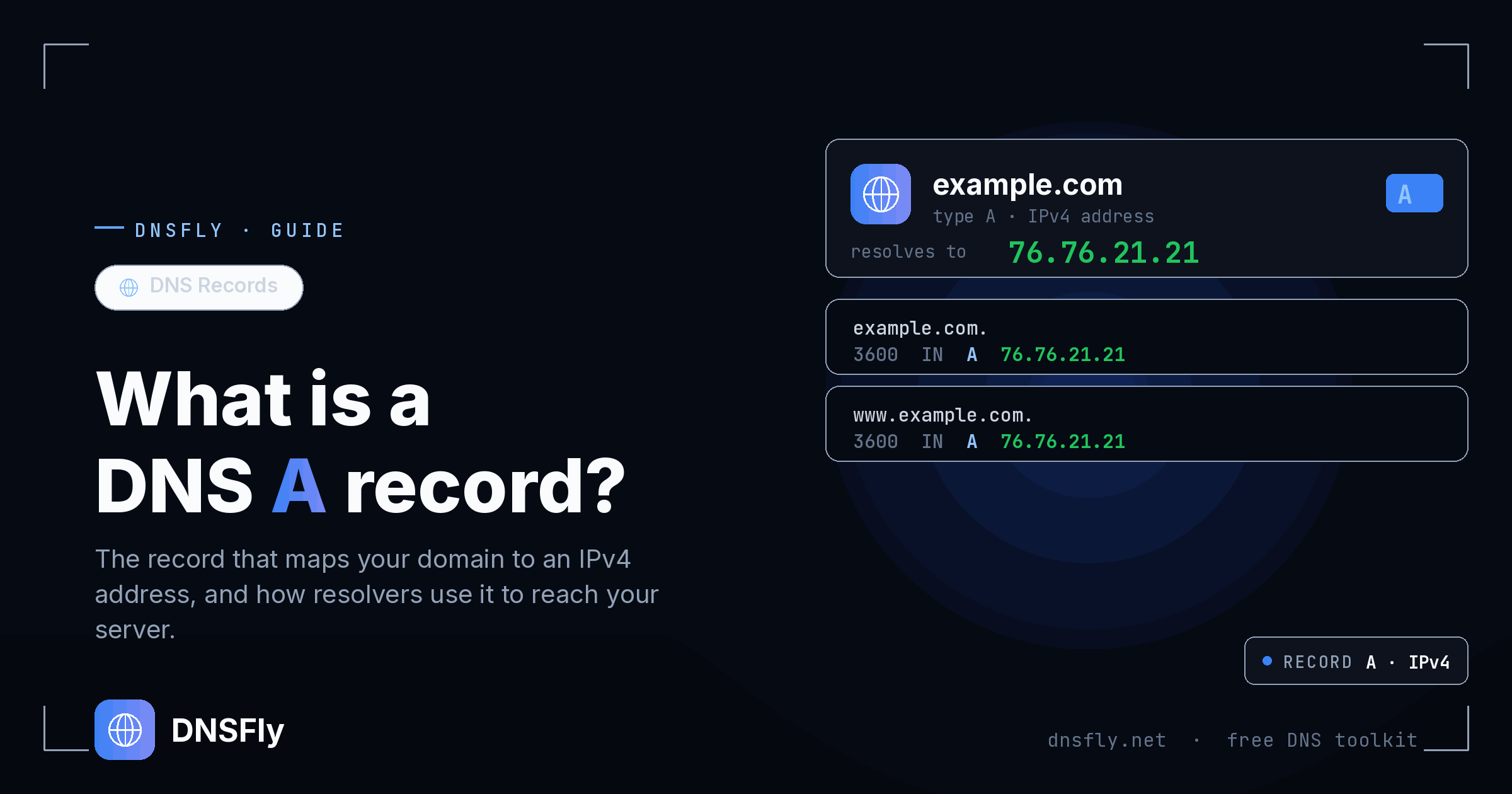
Quick Answer
A DNS A record (Address record) maps a domain name to an IPv4 address. When someone types "example.com" in their browser, the A record tells the internet which server IP (like 93.184.216.34) to connect to.
In this article
What is an A Record?
The "A" in A record stands for "Address". It's the most basic and essential DNS record type.
An A record creates a direct connection between a domain name (like example.com) and an IPv4 address (like 93.184.216.34). Without an A record, browsers wouldn't know which server to contact when you type in a website address.
Think of it like this:
A record is like a contact in your phone. Instead of memorizing "93.184.216.34", you just type "example.com" and DNS looks up the number for you.
How A Records Work
When you visit a website, here's what happens:
You type a domain
You enter "example.com" in your browser.
Browser asks DNS
"What's the IP address for example.com?"
DNS returns A record
"The IP is 93.184.216.34"
Browser connects
Your browser connects to that IP and loads the website.
This entire process happens in milliseconds, every time you visit any website.
A Record Examples
Here's what A records look like in DNS:
| Name | Type | Value (IP) | TTL |
|---|---|---|---|
| @ | A | 192.0.2.1 | 3600 |
| www | A | 192.0.2.1 | 3600 |
| blog | A | 192.0.2.2 | 3600 |
| shop | A | 192.0.2.3 | 3600 |
Note: The @ symbol represents your root domain (example.com without any subdomain).
How to Create an A Record
Creating an A record is straightforward in most DNS providers:
Log into your DNS provider (Cloudflare, GoDaddy, Namecheap, etc.)
Go to DNS settings or DNS zone editor
Click "Add Record" and select type "A"
Enter the name (@ for root, or subdomain like "www" or "blog")
Enter your server's IPv4 address
Set TTL (3600 is a good default) and save
Tip: Most websites need two A records - one for @ (root domain) and one for www, both pointing to the same IP.
How to Check A Records
You can check A records using command line or online tools:
# Using nslookup (Windows/Mac/Linux)
nslookup example.com # Using dig (Mac/Linux)
dig example.com A +shortCheck A Records Online
Use DNSFly to check your A records from 20+ global locations. Verify your domain points to the correct IP worldwide.
Check A RecordsCommon Uses for A Records
Point domain to web server
The primary use - connecting your domain to your website's hosting server.
Create subdomains
Point blog.example.com, shop.example.com, or app.example.com to different servers.
Load balancing
Multiple A records for the same domain distribute traffic across several servers.
Mail server hostname
MX records point to a hostname (like mail.example.com) which needs an A record to resolve to an IP.