A Record vs CNAME: What's the Difference?
Both A records and CNAME records point your domain to a destination — but they work differently and are used in different situations. Here's when to use each one.
Quick Answer
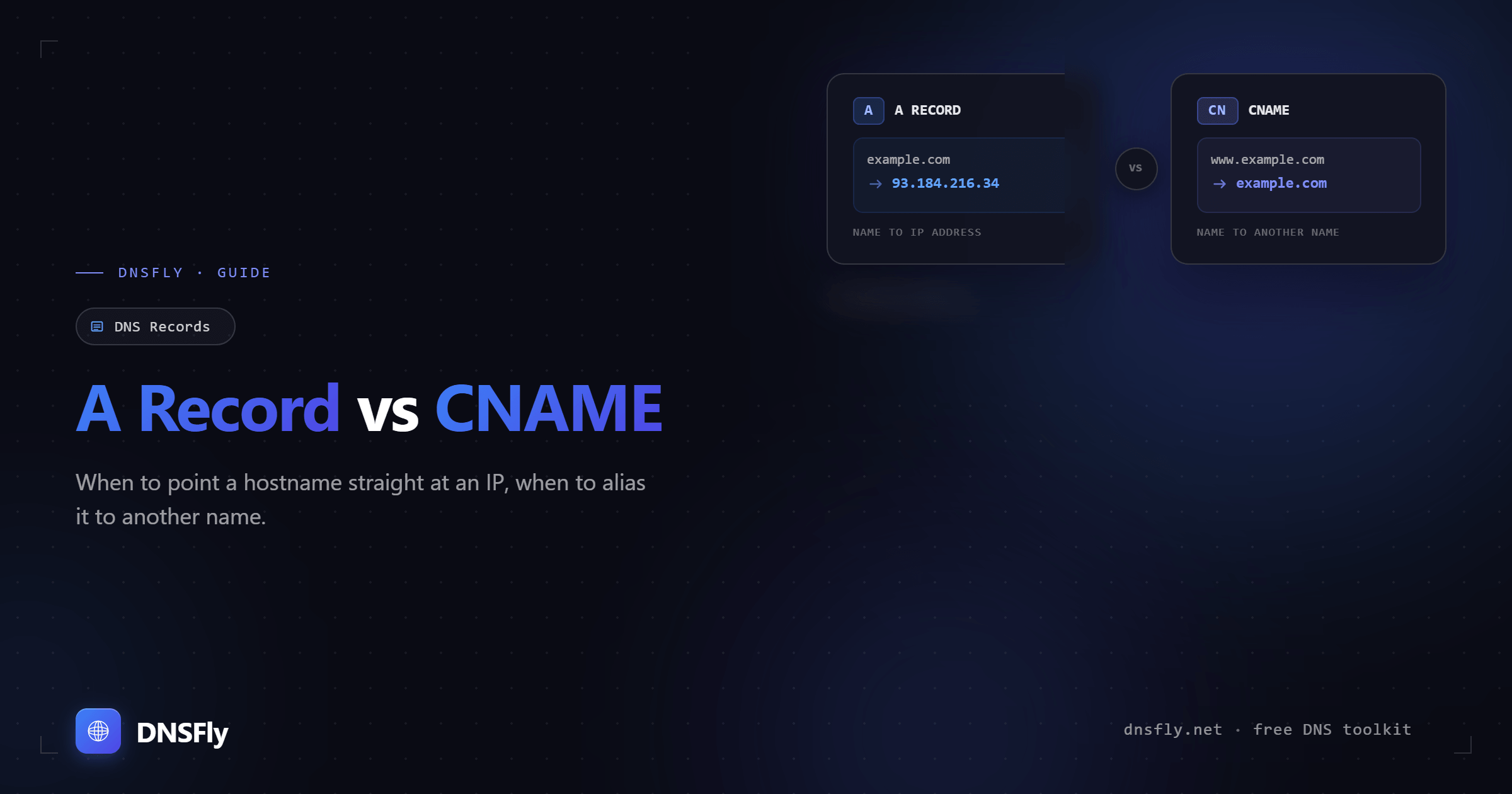
An A record maps a domain directly to an IP address (e.g., example.com → 93.184.216.34). A CNAME record maps a domain to another domain name (e.g., www.example.com → example.com). Use A records for root domains and when you know the IP. Use CNAMEs for subdomains that should follow another hostname.
1. What is an A Record?
An A record (Address record) is the most basic DNS record type. It maps a domain name directly to an IPv4 address — telling DNS resolvers exactly where your server is.
A records are simple, fast, and required for root domains (like example.com). Every website needs at least one A record somewhere in its DNS chain.
2. What is a CNAME Record?
A CNAME record (Canonical Name record) maps one domain name to another domain name — creating an alias. Instead of pointing directly to an IP, it says "go look up this other hostname instead."
CNAMEs are useful because if the IP address changes, you only update the A record on the target domain — all CNAME aliases automatically follow.
3. A Record vs CNAME — Comparison
| Feature | A Record | CNAME Record |
|---|---|---|
| Points to | IP address (e.g., 93.184.216.34) | Another domain name (e.g., example.com) |
| DNS lookups | 1 lookup | 2+ lookups |
| Speed | Faster | Slightly slower |
| Root domain | Yes | No |
| Coexists with MX, TXT | Yes | No |
| IP changes | Manual update needed | Automatic (follows target) |
| Best for | Root domains, stable servers | Subdomains, cloud services, CDNs |
4. When to Use Each One
Use an A Record when:
Configuring your root domain — example.com needs an A record. CNAMEs are not allowed at the root.
You know the IP and it rarely changes — dedicated servers, VPS, or self-hosted infrastructure with a fixed IP.
You need other records on the same hostname — MX records for email, TXT records for SPF/DKIM, etc. CNAMEs block all other record types on that name.
Performance matters — A records resolve in one lookup. For high-traffic sites, the milliseconds saved add up.
Use a CNAME when:
Pointing www to your root domain — the most common CNAME use case: www.example.com → example.com
Using cloud services or CDNs — services like AWS, Vercel, Netlify, and Shopify give you a hostname, not an IP. Their IPs can change without notice.
Managing multiple subdomains pointing to the same place — blog, shop, app subdomains all pointing to one canonical hostname. Change the IP once, everything updates.
The target IP might change — CNAMEs let you delegate IP management to the target hostname owner.
5. Real-World Scenarios
| Scenario | Use | Why |
|---|---|---|
| Root domain (example.com) | A record | CNAME not allowed at root |
| www subdomain | CNAME | Alias to root domain |
| Blog on WordPress.com | CNAME | WordPress gives a hostname, not IP |
| Site on dedicated server | A record | Fixed IP, direct mapping |
| CDN (Cloudflare, AWS CloudFront) | CNAME | CDN IPs change frequently |
| Subdomain with email (MX records) | A record | CNAME blocks MX records |
| Shopify / Vercel / Netlify | CNAME | Platform provides a hostname |
6. Common Mistakes to Avoid
CNAME on root domain
Placing a CNAME on example.com breaks email (MX records) and can cause DNS resolution failures. Always use an A record at the root. Some providers offer ALIAS/ANAME records as a workaround, but these are non-standard.
CNAME alongside other records
A CNAME record cannot coexist with any other record type on the same hostname. If you add a CNAME to mail.example.com and also try to add an MX record there, your DNS will break.
Long CNAME chains
A CNAME pointing to another CNAME, pointing to another CNAME adds multiple DNS lookups. Each hop increases latency. Keep chains short — ideally one CNAME pointing to a hostname with an A record.
Using A records for cloud services
If a cloud provider gives you a hostname (like app.vercel.app), use a CNAME. Hardcoding their IP in an A record means your site breaks when they change it — and they will.
7. How to Check Your Records
You can verify your A and CNAME records using command line tools or DNSFly:
Or use DNSFly's DNS Propagation Checker to see how your A or CNAME records are resolving across 21 global servers — useful for verifying propagation after making changes.
Check Your A and CNAME Records
Verify your DNS records are configured correctly and propagating across global servers.