What is a SRV Record?
SRV records tell clients exactly where to find a service — including the hostname, port number, and how to prioritize and balance traffic between multiple servers.
Quick Answer
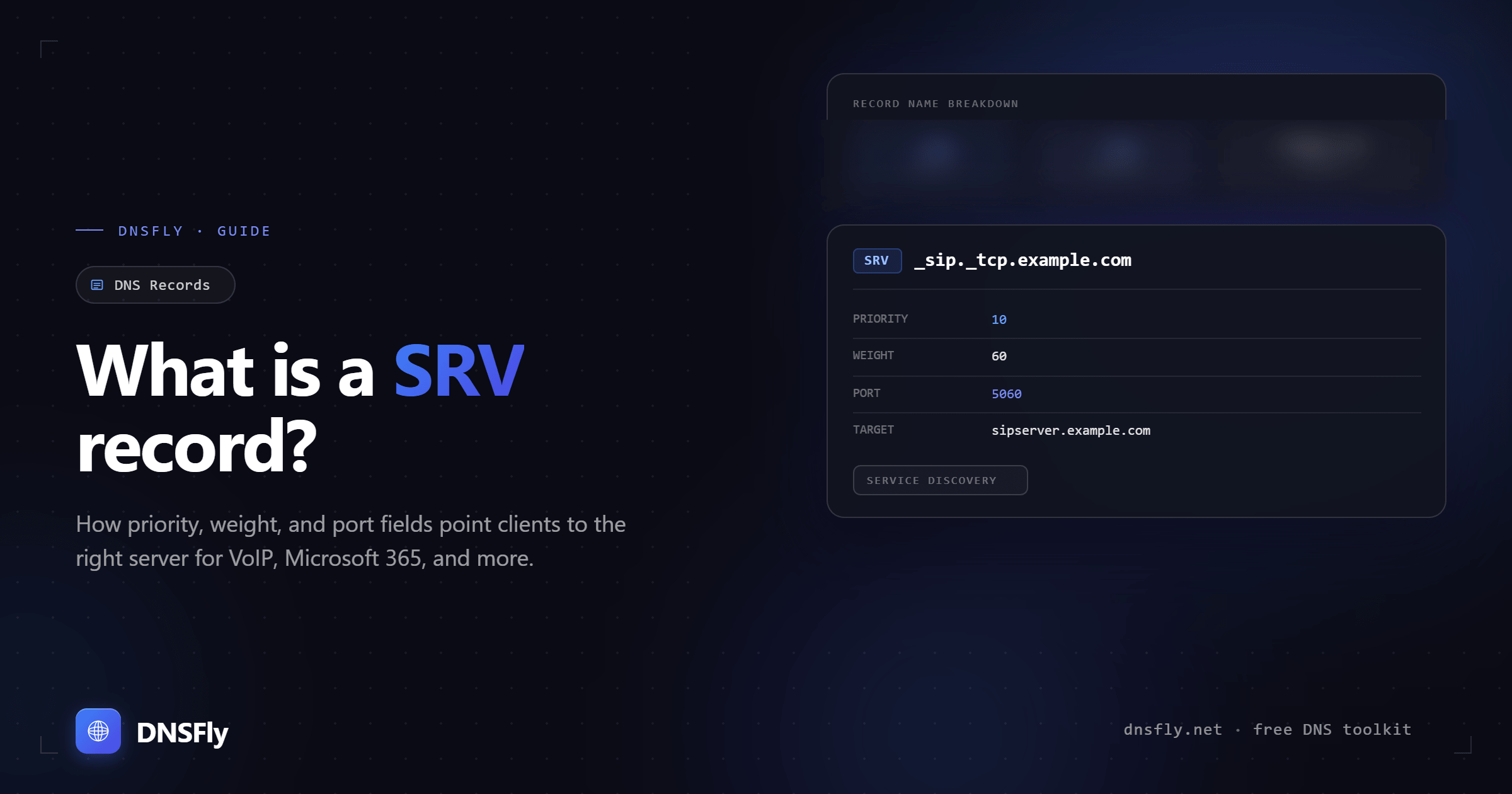
A SRV (Service) record is a DNS record that specifies the hostname and port number for a particular service. Unlike A records that only map to an IP address, SRV records include additional information: which port the service runs on, which server to prefer (priority), and how to distribute load between servers (weight). They are commonly used for VoIP, instant messaging, Microsoft 365, and game servers.
1. How SRV Records Work
Most DNS records only tell you where a server is. A SRV record goes further — it tells you where a specific service is, on which port, and how to handle multiple servers running the same service.
When a client application (like a VoIP phone or chat app) needs to connect to a service, it queries DNS for the SRV record. The response tells it the exact server and port to connect to, without the application needing to be manually configured.
The naming convention uses underscores to prevent collisions with regular domain names. The service name and protocol are always prefixed with an underscore: _sip, _tcp.
2. SRV Record Fields Explained
| Field | Example | Purpose |
|---|---|---|
| Service | _sip | The name of the service (SIP, XMPP, LDAP, etc.) |
| Protocol | _tcp | Transport protocol — usually TCP or UDP |
| Name | example.com | The domain this service belongs to |
| Priority | 10 | Lower number = tried first. Used to set primary vs backup servers |
| Weight | 60 | Load balancing among servers with same priority. Higher = more traffic |
| Port | 5060 | The port number the service runs on |
| Target | sipserver.example.com | The hostname providing the service (must have an A or AAAA record) |
3. How Priority and Weight Work Together
Priority and weight work as a two-level system for directing traffic. Priority is checked first. Weight only matters when multiple records share the same priority.
Step 1: Check priority
Clients use the records with the lowest priority value first. In this example, the three servers with priority 10 are tried before the backup server with priority 20.
Step 2: Apply weight
Among the three priority-10 servers, traffic is distributed by weight. main.example.com (weight 60) gets 60% of traffic. The other two (weight 20 each) get 20% each.
Step 3: Failover
If all priority-10 servers are down, clients fall back to backup.example.com (priority 20). This creates automatic failover without any manual intervention.
This two-level system gives you both load balancing (weight) and failover (priority) in a single DNS record type — something MX records can do with priority but not with weight-based load distribution.
4. Common Use Cases
| Service | SRV Record Name | Typical Port |
|---|---|---|
| VoIP (SIP) | _sip._tcp.example.com | 5060 |
| Instant Messaging (XMPP) | _xmpp-client._tcp.example.com | 5222 |
| Microsoft 365 / Teams | _sipfederationtls._tcp.example.com | 5061 |
| Active Directory (LDAP) | _ldap._tcp.example.com | 389 |
| Minecraft Server | _minecraft._tcp.example.com | 25565 |
| CalDAV (Calendar) | _caldavs._tcp.example.com | 443 |
SRV records are especially important in enterprise environments. Microsoft 365, for example, uses SRV records to help Outlook and Teams clients discover the correct server for federation and autodiscovery. Minecraft servers use SRV records so players can connect with a clean domain name instead of remembering an IP and port number.
5. How to Create a SRV Record
Most DNS providers have a form-based editor for SRV records. The key fields to fill in:
| Field | Example Value | Notes |
|---|---|---|
| Name / Host | _minecraft._tcp | Service and protocol with underscores |
| Priority | 0 | 0 for single server setups |
| Weight | 0 | 0 when no load balancing needed |
| Port | 25565 | The port your service runs on |
| Target | mc.example.com | Must have an A or AAAA record |
| TTL | 3600 | 1 hour is a safe default |
Tip: Some DNS providers combine the service and protocol into the Name/Host field (e.g., _minecraft._tcp), while others have separate fields for each. Check your provider's documentation if the form looks different from what you expect.
6. Common Mistakes
Pointing to a CNAME instead of an A record
The SRV target must resolve directly to an IP address via an A or AAAA record. Using a CNAME as the target violates the DNS specification and may cause resolution failures depending on the resolver.
Forgetting the underscore prefix
Both the service and protocol must start with an underscore: _sip._tcp, not sip.tcp. Without underscores, the record will not be found by clients querying for the service.
Wrong port number
Each service has a standard port (SIP uses 5060, XMPP uses 5222, Minecraft uses 25565). Using the wrong port means clients connect to the right server but the wrong service — or fail to connect entirely.
Missing A record for the target
If your SRV record points to sipserver.example.com but that hostname has no A record, the SRV lookup succeeds but the connection fails. Always ensure the target hostname resolves to an IP.
7. How to Check a SRV Record
You can also use DNSFly's SRV Record Lookup to verify your SRV records are resolving correctly across global DNS servers. Enter the full service name (e.g., _sip._tcp.example.com).
Check Your SRV Records
Verify your SRV records are propagating correctly across 21 global DNS servers.