What is an SPF Record?
SPF records tell receiving mail servers which IP addresses and domains are allowed to send email on behalf of your domain. Without one, anyone can fake emails from your domain.
Quick Answer
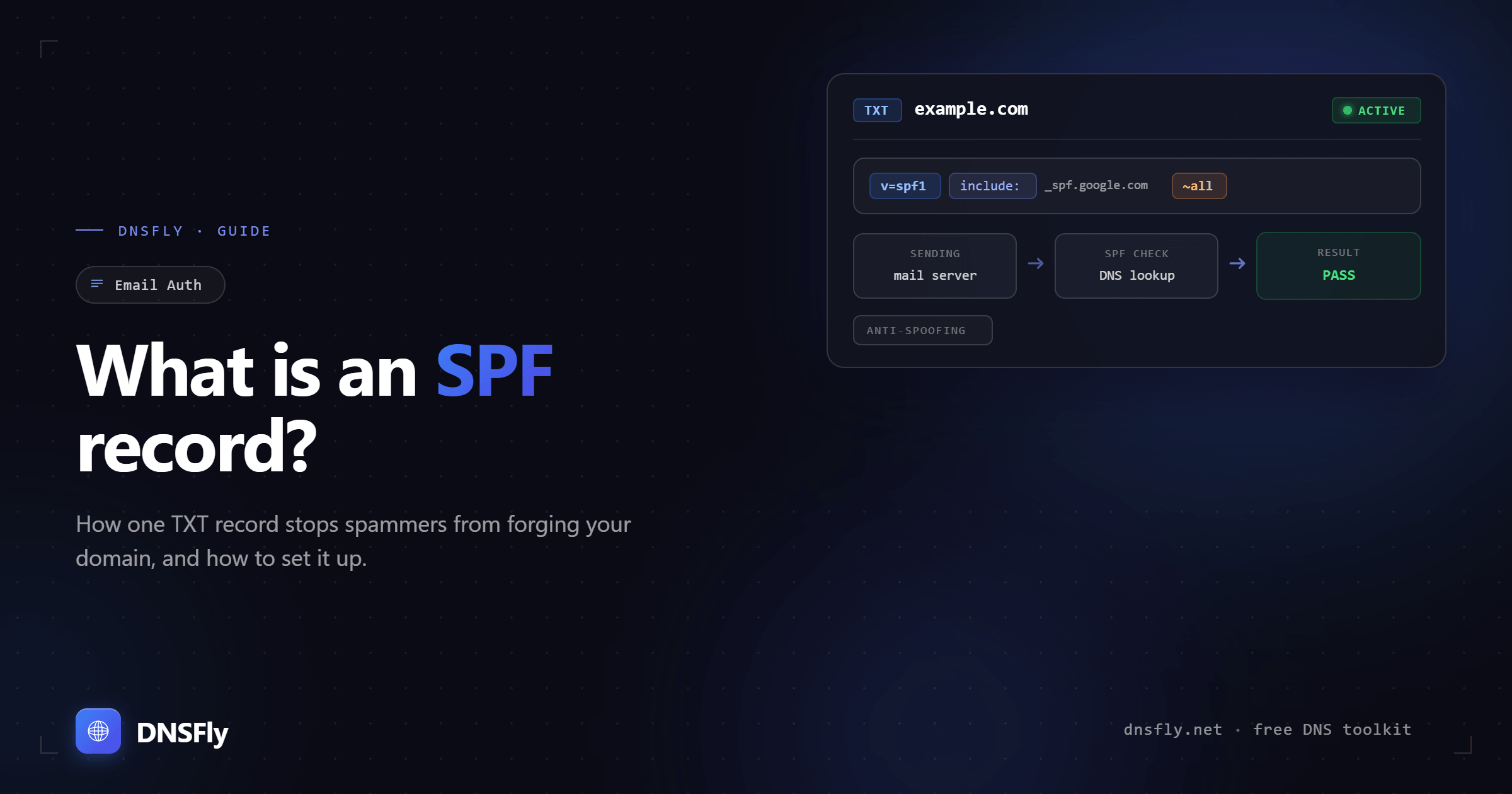
An SPF (Sender Policy Framework) record is a DNS TXT record that lists the servers authorized to send email for your domain. When a receiving mail server gets an email claiming to be from your domain, it checks your SPF record. If the sending server's IP matches an entry in the record, the email passes. If not, it gets flagged as spam or rejected. SPF is one of three email authentication methods alongside DKIM and DMARC.
1. How SPF Works
Email was designed in the 1980s without any built-in way to verify senders. The SMTP protocol lets anyone claim to send from any address. SPF was created to fix this problem by giving domain owners a way to publish a list of authorized senders.
Here is what happens when someone sends an email from your domain:
1. Email is sent
Your mail server sends an email to the recipient. The email includes your domain in the "envelope from" (Return-Path) address.
2. Receiving server checks DNS
The recipient's mail server queries DNS for the SPF record (TXT record) of your domain.
3. IP address is compared
The server compares the sending IP address against the list of authorized IPs in your SPF record.
4. Result is returned
If the IP matches, the email passes SPF. If it doesn't match, the email fails and may be rejected or sent to spam depending on your policy.
Think of it like a guest list at a building entrance. Your SPF record is the list, your authorized mail servers are the guests, and the receiving server is the security guard checking IDs.
2. SPF Record Syntax
An SPF record is a single line of text added as a TXT record in your DNS. Every SPF record starts with v=spf1 and ends with an all mechanism.
| Mechanism | Example | What it does |
|---|---|---|
| v=spf1 | v=spf1 | Required. Declares this is an SPF version 1 record |
| ip4 | ip4:192.0.2.1 | Authorizes a specific IPv4 address or range |
| ip6 | ip6:2001:db8::/32 | Authorizes a specific IPv6 address or range |
| include | include:_spf.google.com | Includes the SPF record of another domain (for third-party senders) |
| a | a | Authorizes the IP from the domain's own A record |
| mx | mx | Authorizes all IPs listed in the domain's MX records |
| all | -all | Catch-all rule applied to any sender not matched above |
3. Understanding the "all" Qualifier
The all mechanism at the end of your SPF record is the most important part. It tells receiving servers what to do with emails from senders not listed in the record.
| Qualifier | Meaning | When to use |
|---|---|---|
| -all | Hard fail. Reject unauthorized emails. | Recommended for production. You're confident all senders are listed. |
| ~all | Soft fail. Accept but mark as suspicious. | Good for testing. Used when you're still identifying all senders. |
| ?all | Neutral. No opinion on unauthorized emails. | Rarely useful. Offers no real protection. |
| +all | Pass. Allow anyone to send as your domain. | Never use this. It completely defeats the purpose of SPF. |
Most domains should use ~all while setting up and testing, then switch to -all once you've confirmed all legitimate senders are included.
4. Real-World SPF Examples
That last example is important. Even domains that never send email should have an SPF record with v=spf1 -all. This tells mail servers that no emails should ever come from this domain, which prevents spammers from spoofing it.
5. The 10 DNS Lookup Limit
SPF has a strict limit: your record cannot require more than 10 DNS lookups during evaluation. This is defined in RFC 7208 and exists to prevent DNS abuse.
Each of these mechanisms counts as one DNS lookup:
| Mechanism | Counts as lookup? |
|---|---|
| include | Yes (and each included record's lookups also count) |
| a | Yes |
| mx | Yes |
| redirect | Yes |
| ip4 / ip6 | No (these are free) |
If your record exceeds 10 lookups, receiving servers return a PermError and all your emails fail SPF. This is a common issue for companies using many third-party email services (marketing tools, CRMs, support systems).
Fix: Replace include statements with direct ip4 or ip6 addresses where possible. IP mechanisms don't count toward the 10-lookup limit. You can also use SPF flattening tools that automatically resolve includes into IP addresses.
6. Common SPF Mistakes
Multiple SPF records on the same domain
A domain can only have one SPF record. If you add a second one (common when adding a new email service), both records break. Combine all senders into a single record instead.
Using +all
This tells the world that any server can send email as your domain. It makes your SPF record pointless and opens your domain to unlimited spoofing.
Forgetting third-party senders
If you use Mailchimp, SendGrid, HubSpot, or any other service that sends email on your behalf, their servers must be included in your SPF record. Otherwise their emails will fail authentication.
Exceeding the 10 DNS lookup limit
Adding too many include statements without checking the lookup count. Use an SPF validator tool to count your lookups before publishing.
Not setting SPF on subdomains
SPF records are per-domain. If you send email from marketing.example.com, it needs its own SPF record separate from example.com.
7. How to Check Your SPF Record
Since SPF records are stored as TXT records, you need to query for TXT type and look for the entry starting with v=spf1.
You can also use DNSFly's TXT Record Lookup to see your SPF record as it appears across global DNS servers. This is useful after making changes to confirm the update has propagated. To validate the syntax, lookup count, and policy, run it through the SPF Checker.
8. SPF, DKIM, and DMARC: The Full Picture
SPF alone doesn't fully protect your email. It only checks the "envelope from" address (the Return-Path), not the "From" address that users see in their inbox. An attacker can still spoof the visible "From" address even if SPF passes.
That's why SPF is used together with DKIM and DMARC:
| Protocol | What it checks | Stored as |
|---|---|---|
| SPF | Is the sending server authorized for this domain? | TXT record |
| DKIM | Was the email content altered in transit? | TXT record |
| DMARC | What should happen when SPF or DKIM fails? | TXT record |
Google and Microsoft now require SPF, DKIM, and DMARC for bulk email senders. Even if you're not sending bulk email, having all three configured improves your deliverability and protects your domain from abuse. For more on how these work together, see our DNS Security Best Practices guide.
Check Your SPF Record
Verify your SPF record is propagating correctly across 21 global DNS servers.