What is DMARC?
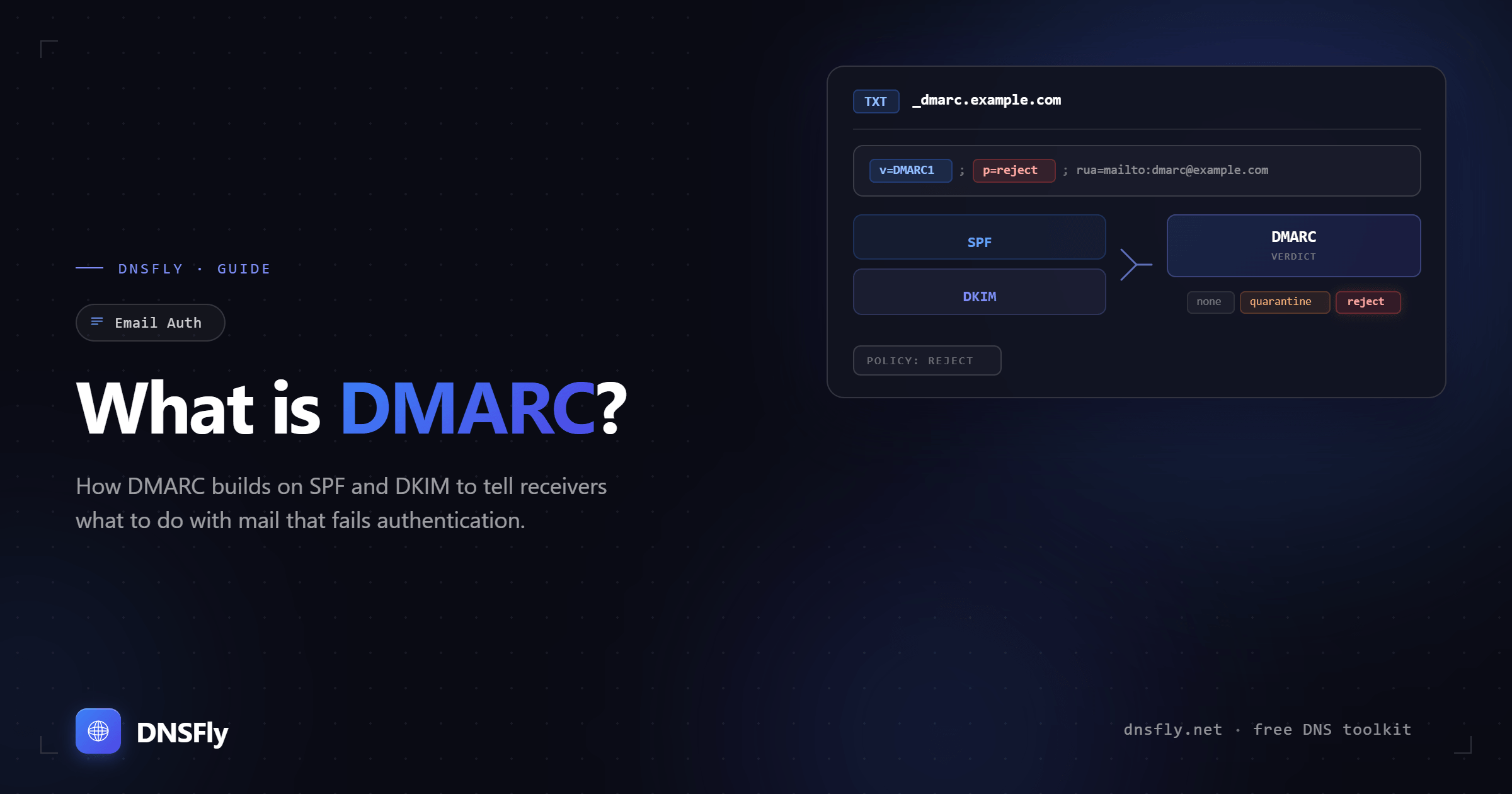
DMARC is the missing piece between SPF and DKIM. It tells receiving mail servers what to do when authentication fails, and sends you reports so you can see exactly who is sending email from your domain.
Quick Answer
DMARC (Domain-based Message Authentication, Reporting, and Conformance) is a DNS TXT record that builds on SPF and DKIM. It does two things: tells receiving servers whether to reject, quarantine, or allow emails that fail authentication, and sends reports back to you about all email activity on your domain. Google and Yahoo now require DMARC for anyone sending bulk email.
1. Why DMARC Exists
SPF checks if the sending server is authorized. DKIM checks if the email content was tampered with. But neither one tells the receiving server what to actually do when a check fails. Should it reject the email? Send it to spam? Deliver it anyway?
Without DMARC, that decision is left entirely to the receiving server. Every mail provider handles failures differently, and you have no visibility into what happens to your emails after they leave your server.
DMARC solves both problems. It gives you a published policy that receiving servers follow, and it gives you reports showing exactly who is sending email using your domain, whether they are authorized or not.
2. How DMARC Works
1. Email arrives at receiving server
The server checks SPF (is this IP authorized?) and DKIM (was the content modified?).
2. DMARC alignment is checked
DMARC verifies that the domain in the visible "From" address matches the domain authenticated by SPF or DKIM. This is called alignment. Even if SPF passes, DMARC can fail if the domains don't match.
3. Policy is applied
If the email fails DMARC, the receiving server looks up your DMARC record and follows your policy: deliver (none), quarantine, or reject.
4. Report is generated
The receiving server sends an aggregate report to the address specified in your DMARC record, showing what passed and what failed.
The alignment check is what makes DMARC powerful. A spammer could set up SPF on their own domain and sign emails with their own DKIM key, but DMARC catches them because the "From" address won't match. The visible sender must align with the authenticated domain.
3. DMARC Record Syntax
A DMARC record is a TXT record added to DNS at _dmarc.yourdomain.com. Here is a typical record:
| Tag | Example | Purpose |
|---|---|---|
| v | DMARC1 | Required. DMARC version (always DMARC1) |
| p | reject | Required. Policy for failed emails: none, quarantine, or reject |
| rua | mailto:reports@example.com | Where to send aggregate reports (recommended) |
| ruf | mailto:forensic@example.com | Where to send forensic (failure) reports (optional) |
| adkim | s or r | DKIM alignment mode: strict (s) or relaxed (r, default) |
| aspf | s or r | SPF alignment mode: strict (s) or relaxed (r, default) |
| pct | 100 | Percentage of emails the policy applies to (default 100) |
| sp | reject | Policy for subdomains (defaults to same as p) |
4. The Three DMARC Policies
| Policy | What happens to failed emails | When to use |
|---|---|---|
| p=none | Delivered normally. No enforcement. | Starting point. Monitor who sends email from your domain before enforcing. |
| p=quarantine | Sent to spam/junk folder. | After reviewing reports and confirming all legitimate senders are authenticated. |
| p=reject | Blocked completely. Not delivered. | Full protection. Use when you are confident no legitimate emails will fail. |
Recommended approach: Start with p=none and review reports for 2-4 weeks. Fix any legitimate senders that are failing. Move to p=quarantine for another 2 weeks. Once everything looks clean, move to p=reject.
5. Understanding DMARC Alignment
Alignment is the concept that makes DMARC different from just running SPF and DKIM separately. It checks that the domain in the "From" header (what the recipient sees) matches the domain verified by SPF or DKIM.
| Mode | What it checks | Example |
|---|---|---|
| Relaxed (default) | Root domains must match | mail.example.com aligns with example.com |
| Strict | Exact domain must match | mail.example.com does NOT align with example.com |
Relaxed alignment is the default and works for most setups. Strict alignment is more secure but can break legitimate email if your SPF or DKIM domains use subdomains. Start with relaxed unless you have a specific reason to require exact matches.
6. How to Set Up DMARC
Step 1: Confirm SPF and DKIM are working
DMARC requires at least one of these. Check your SPF record and DKIM setup. Both should be passing for your legitimate email.
Step 2: Create the DMARC record
Start with monitoring mode. Add a TXT record in your DNS:
Step 3: Monitor reports for 2-4 weeks
Use a free DMARC report analyzer (like Postmark's free DMARC tool or EasyDMARC) to read the XML reports. Identify any legitimate senders that are failing authentication and fix their SPF/DKIM configuration.
Step 4: Move to quarantine
Once all legitimate senders pass, change p=none to p=quarantine. Failed emails now go to spam instead of the inbox.
Step 5: Move to reject
After another 2 weeks with no legitimate failures, change to p=reject. Unauthorized emails are now blocked entirely.
7. Common DMARC Mistakes
Jumping straight to p=reject
If you skip the monitoring phase, legitimate emails (from marketing tools, CRMs, or forwarded emails) will be blocked. Always start with p=none and review reports first.
Not setting up a reporting address
Without the rua tag, you get no reports and have no visibility into your email authentication. The reports are the most valuable part of DMARC during the monitoring phase.
Forgetting about third-party senders
Email marketing platforms, CRM systems, and support tools all send email on your behalf. If they are not included in your SPF record and configured with DKIM, their emails will fail DMARC.
Ignoring subdomain policy
By default, subdomains inherit the parent domain's DMARC policy. If you don't want this, set the sp tag explicitly. Attackers sometimes target subdomains that lack their own policy.
Setting DMARC without SPF or DKIM
DMARC depends on SPF and DKIM to work. If neither is configured, every email will fail DMARC regardless of the policy. Set up at least one (ideally both) before adding DMARC.
8. How to Check Your DMARC Record
Notice that DMARC records are queried at _dmarc.yourdomain.com, not the root domain. This is different from SPF, which is stored directly on the domain.
You can also use DNSFly's TXT Record Lookup. Enter _dmarc.yourdomain.com as the domain to verify your DMARC record is visible across global DNS servers. To check the policy, reporting address, and alignment directly, use the DMARC Checker. For a broader check on your domain's DNS security setup, verify SPF, DKIM, and DMARC together.
Check Your DMARC Record
Verify your DMARC record is visible across 21 global DNS servers.