DNS vs Nameservers: What's the Difference?
DNS and nameservers are often used interchangeably, but they're not the same thing. Here's a simple explanation of how they relate — and why it matters.
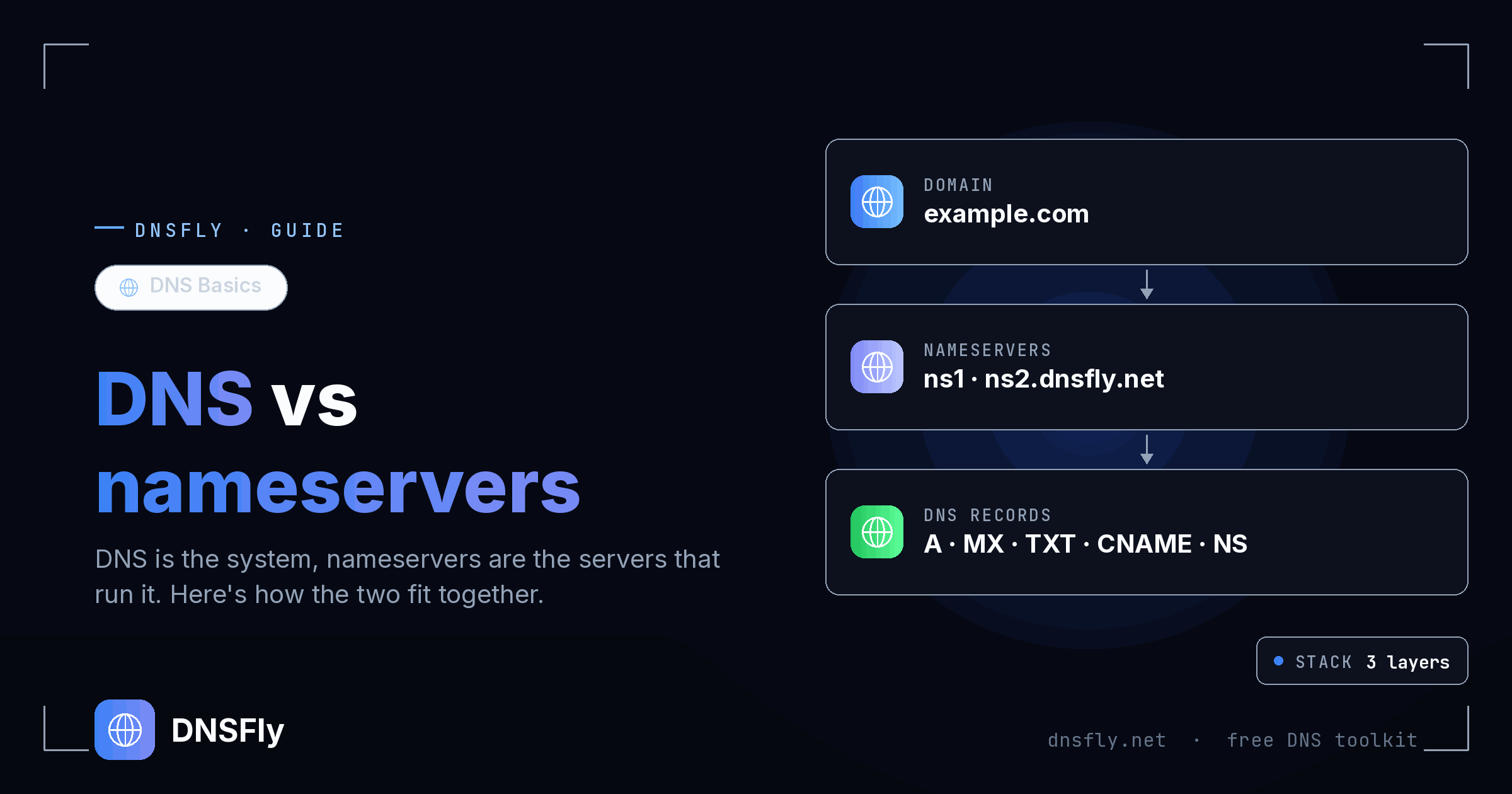
Quick Answer
DNS (Domain Name System) is the entire system that translates domain names into IP addresses (how DNS works walks through that translation step by step). Nameservers are specific servers within that system that store and serve the actual DNS records for individual domains. DNS is the system; nameservers are the servers that make it work. Every domain has nameservers, and those nameservers hold the domain's DNS records.
The Simple Analogy
The confusion between DNS and nameservers is one of the most common in web hosting. Here's the simplest way to understand it:
DNS = The library system
DNS is the entire global system — the rules, the structure, the hierarchy, and the process for looking up domain names. It's like the concept of a library system: the catalog structure, the classification rules (like the Dewey Decimal System), and the process for finding a book.
Nameservers = Individual libraries
Nameservers are specific servers that participate in the DNS system. They store the actual records (the "books") for particular domains. When someone asks "where is example.com?", the DNS system directs the question to that domain's nameservers — just like the library system directs you to the right library branch.
DNS Records = The books on the shelves
Your A records, MX records, TXT records, and other DNS records are the actual data stored on nameservers. These are what people are looking for when they query your domain.
So when someone says "I need to update my DNS," they usually mean they need to change a DNS record on their nameserver. And when they say "I need to change my nameservers," they mean they want to move their domain's records to a different provider's servers.
DNS vs Nameservers: Side by Side
| DNS | Nameservers | |
|---|---|---|
| What it is | A global system / protocol | Specific servers within that system |
| Scope | The entire internet | Individual domains |
| Contains | Rules, hierarchy, root servers, TLDs | Your domain's actual records (A, MX, TXT, etc.) |
| Analogy | The library system | A specific library branch |
| You change it when | You don't — DNS is a protocol, not something you change | You switch hosting or DNS providers |
| Where to manage | N/A (it's a system) | Your domain registrar (to change nameservers) |
| Example | The DNS protocol (RFC 1035) | ns1.cloudflare.com, ns2.cloudflare.com |
The key takeaway: you can't "change DNS" because DNS is a global protocol. What you can change are your DNS records (which are stored on your nameservers) or your nameservers (which changes where your records are stored).
How DNS and Nameservers Work Together
When someone types your domain into their browser, here's what happens — and where DNS and nameservers each play their part:
Step 1: DNS resolves the query
The browser sends a DNS query. The DNS system — starting from the root servers, then TLD servers — figures out which nameservers are responsible for your domain. This is DNS doing its job as a system.
Step 2: Nameservers answer the query
Once DNS identifies your nameservers (e.g. ns1.cloudflare.com), the query goes to that nameserver. The nameserver looks up the specific DNS record (like an A record) and returns the IP address. This is the nameserver doing its job.
Step 3: Browser connects
With the IP address in hand, the browser connects to your web server and loads the page. The whole process takes milliseconds.
In short: DNS finds the right nameserver, the nameserver provides the right record. They're partners, not competitors.
Common Confusion Points
"I need to update my DNS"
This usually means updating a DNS record (like an A record or MX record) on your nameserver. You do this in your hosting provider's dashboard or your DNS provider's control panel — not at your domain registrar.
"I need to change my nameservers"
This means pointing your domain to different nameservers — usually because you're switching to a new hosting provider or a dedicated DNS provider like Cloudflare. You do this at your domain registrar (where you bought the domain).
"My DNS isn't working"
This could mean several things: your DNS records are wrong, your nameservers aren't responding, or DNS changes haven't propagated yet. Use a DNS propagation checker to see what's happening from different locations worldwide.
"DNS and nameservers are the same thing"
Not quite. Nameservers are part of DNS, but they're not the entire system. Saying "nameservers are DNS" is like saying "a post office is the postal system" — it's a piece of the puzzle, not the whole picture.
Real-World Scenarios
Here's when you'd interact with DNS records vs nameservers in practice:
| Scenario | What you change | Where |
|---|---|---|
| Point domain to new web server | A record (DNS record) | DNS provider dashboard |
| Set up email with Google Workspace | MX + TXT records (DNS records) | DNS provider dashboard |
| Verify domain ownership | TXT record (DNS record) | DNS provider dashboard |
| Switch to Cloudflare for DNS | Nameservers | Domain registrar |
| Move to new hosting provider | Nameservers (or A record) | Domain registrar (or DNS dashboard) |
| Create a subdomain | A or CNAME record (DNS record) | DNS provider dashboard |
Notice the pattern: most day-to-day changes are DNS record changes, not nameserver changes. Nameserver changes are rare — they only happen when you switch providers. DNS record changes happen all the time.
How to Check Both
You can verify both your nameservers and DNS records using DNSFly:
Check nameservers
Go to DNSFly NS Record Lookup, enter your domain, and click Check. You'll see which nameservers all 21 global DNS servers report for your domain.
You can also check from the command line:
# Check nameservers
dig example.com NS

# Check a DNS record (A record)
dig example.com A

# Check MX records
dig example.com MX
Check Your DNS Records & Nameservers
Verify your domain's nameservers and DNS records are propagated correctly across 21 global DNS servers.
Check DNS Propagation