How to Check Domain Age (3 Easy Methods)
Find out when any domain was first registered — using free online tools, WHOIS lookups, and the Wayback Machine. No technical skills required.
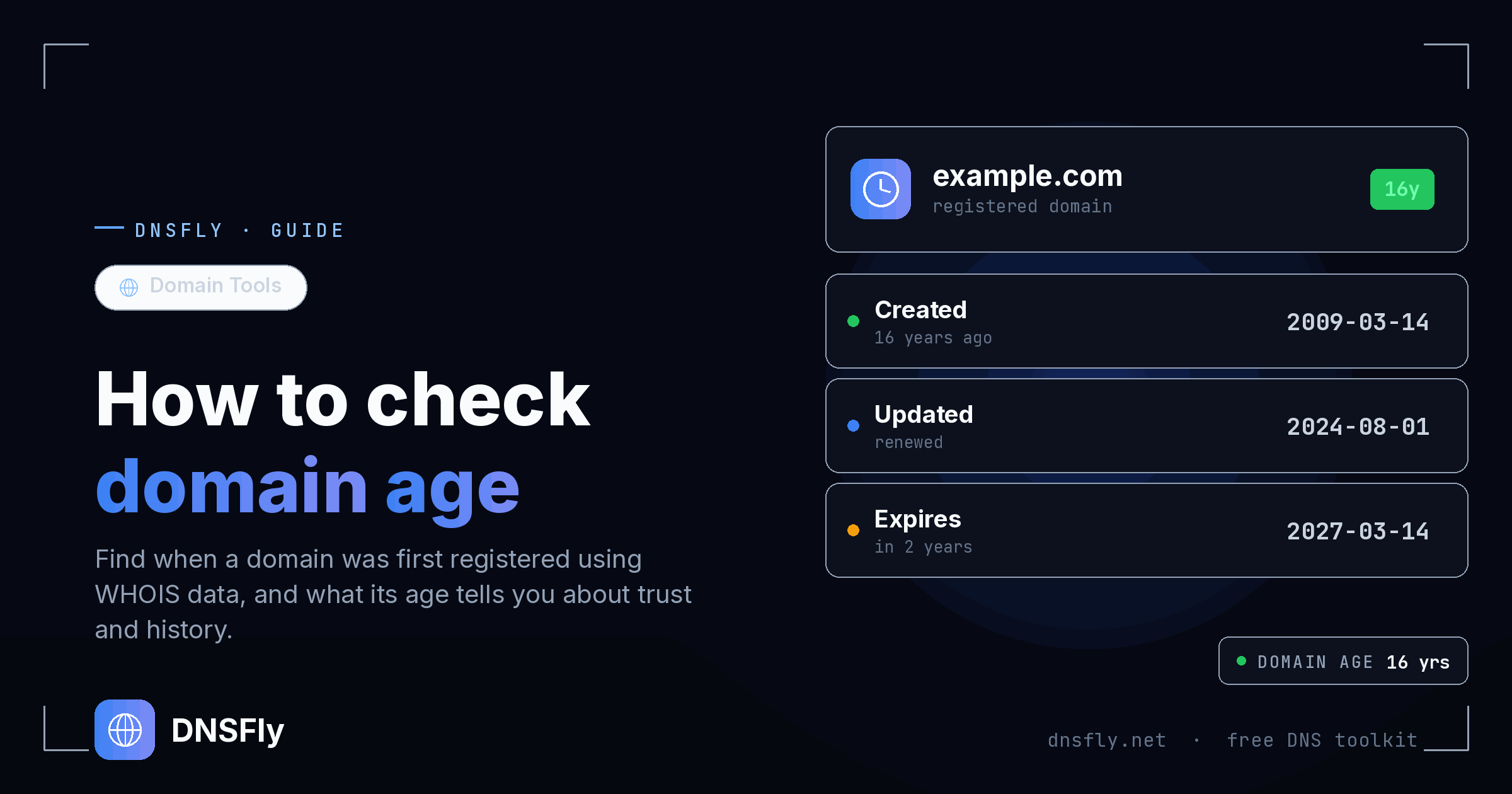
Quick Answer
Go to DNSFly's Domain Age Checker, enter any domain name (e.g. google.com), and click Check. You'll instantly see the registration date, exact age, expiration date, and registrar details. You can also check via a WHOIS lookup or by searching the domain on the Wayback Machine.
What is Domain Age?
Domain age is simply how long a domain name has existed since it was first registered. If someone registered example.com on March 15, 2010, then as of today, that domain is roughly 16 years old.
This date comes from the WHOIS database — a public record maintained by ICANN that stores registration information for every domain on the internet. Every time someone registers a domain through a registrar like GoDaddy, Namecheap, or Cloudflare, that registration date gets recorded.
There are two types of domain age worth understanding:
Registered Age
The time since the domain was first purchased and registered. This is what WHOIS records show.
Active Age
The time since the domain actually had a live website that search engines could find and crawl. This is what Google cares about more.
A domain could be 15 years old according to WHOIS, but if it sat parked with no real website until last year, its active age is only one year. This distinction matters — especially for SEO.
Method 1: Use a Domain Age Checker Tool
The fastest way to check domain age is with a dedicated checker tool. These query the WHOIS database automatically and present results in a clean format — no technical knowledge needed.
Step 1: Go to DNSFly's Domain Age Checker
Step 2: Enter any domain name (e.g. google.com)
Step 3: Click Check
Step 4: View the results — registration date, domain age, expiration date, last updated date, and registrar info
The whole process takes about 2 seconds. No account creation, no payment, no installation.
| Field | Example (google.com) | What It Means |
|---|---|---|
| Creation Date | September 15, 1997 | When the domain was first registered |
| Domain Age | 28 years, 5 months | How old the domain is today |
| Expiration Date | September 14, 2028 | When the registration expires |
| Last Updated | Various | Last time domain settings were changed |
| Registrar | MarkMonitor Inc. | Company managing the registration |
Method 2: Run a WHOIS Lookup
If you want the full registration record — not just the age — a WHOIS lookup gives you everything. WHOIS is the public database maintained by ICANN containing registration details for every domain.
Step 1: Go to DNSFly WHOIS Lookup (or who.is, ICANN Lookup)
Step 2: Enter the domain name (e.g. wikipedia.org)
Step 3: Look for the "Creation Date" or "Registered On" field
Step 4: Calculate the age from that date to today
A typical WHOIS result looks like this:
Domain Name: WIKIPEDIA.ORG
Registry Domain ID: D51687756-LROR
Creation Date: 2001-01-13T00:12:14Z
Updated Date: 2024-12-12T10:26:58Z
Registry Expiry Date: 2025-01-13T00:12:14Z
Registrar: MarkMonitor Inc.
Domain Status: clientDeleteProhibited
The Creation Date line tells you exactly when the domain was first registered. In this example, wikipedia.org was registered on January 13, 2001 — making it over 25 years old.
Note: Many domain owners use WHOIS privacy protection, which hides personal contact info. However, the creation date and expiration date are almost always still visible.
Method 3: Check the Wayback Machine
The Wayback Machine (web.archive.org) is a digital archive of the internet. It takes snapshots of websites over time, so you can see what any site looked like years ago.
While it doesn't show the exact registration date like WHOIS, it shows when the domain first had an actual live website — the active age rather than the registered age.
Step 1: Go to web.archive.org
Step 2: Enter the domain name in the search bar
Step 3: Look at the timeline — the earliest snapshot shows when the site first went live
Step 4: Click any snapshot to see what the website looked like at that time
This method is especially useful when buying an existing domain. You can see the full history — was it a legitimate business? A blog? A spam site? This context is something WHOIS alone can't give you.
| Method | Best For | Shows |
|---|---|---|
| Domain Age Checker | Quick age checks | Registration date, age, expiry |
| WHOIS Lookup | Full registration details | Owner, registrar, nameservers, dates |
| Wayback Machine | Domain history & content | Website snapshots, active age, usage |
Why Check Domain Age?
Checking domain age isn't just a curiosity exercise. There are practical reasons to look up when a domain was first registered.
Competitor Research
See how long competitors have been building their online presence. A 10-year-old domain has had a decade to accumulate backlinks, content, and authority — helping you set realistic expectations.
Buying a Domain
Older domains with a clean history are generally worth more because they may carry existing backlinks and authority. Always check the Wayback Machine to make sure it wasn't used for spam.
Spotting Scams and Phishing
Brand-new domains are frequently used for phishing attacks. A domain registered 3 days ago claiming to be a major financial institution is almost certainly fraudulent.
Email Deliverability
Email providers consider domain age when deciding inbox vs spam. Newer domains are more likely to get flagged — which is why experts recommend "warming up" a new domain before campaigns.
SEO Analysis
While domain age isn't a direct ranking factor, understanding how long a site has been around provides useful context when analyzing SEO performance and planning strategy.
Domain Age and SEO: What Google Really Says
This is one of the most misunderstood topics in SEO. Let's clear it up with what Google has actually said.
The Myth: "Older domains rank higher in Google because domain age is a ranking factor."
The Reality: Google's John Mueller has stated directly: "No, domain age helps nothing." Domain age is not a direct ranking factor.
So why do older domains often rank better? Because age correlates with things that actually matter:
More backlinks: Older domains have had more time to earn links from other websites. Backlinks are a confirmed ranking factor.
More content: Sites that have been around longer typically have more pages covering more topics and keywords.
Established trust: A consistent publishing history builds credibility with both users and search engines.
User engagement: Older, established sites tend to have returning visitors and brand recognition.
The key takeaway: a brand-new domain with excellent content, a solid backlink strategy, and great user experience can absolutely outrank an older domain that's been neglected. Age gives a head start, not a guaranteed advantage.
Google Sandbox: New domains sometimes experience limited visibility in search results for roughly 3–6 months. This isn't a penalty — it's Google evaluating the site's trustworthiness. Focus on quality content and genuine backlinks during this period.
Common Mistakes When Checking Domain Age
Assuming older = better for SEO
A 15-year-old domain used for spam is far worse than a 2-year-old domain with quality content and clean backlinks. Always check history, not just age.
Confusing registration date with Google's index date
Google calculates domain age from when it first discovered and indexed the domain — not the WHOIS registration date. A domain registered in 2010 but only indexed in 2024 is effectively "new" to Google.
Forgetting to check domain history
If buying an aged domain, the creation date alone tells you very little. Use the Wayback Machine to check what it was previously used for — gambling, pharmacy spam, or adult content could carry penalties.
Ignoring the expiration date
A domain nearing expiration without renewal could disappear — breaking your backlinks. Check the expiry date if you're evaluating a domain to buy or link to.
Try the Domain Age Checker — Free
Use DNSFly's Domain Age Checker to instantly find the registration date, age, expiration, and registrar for any domain name.
Launch Domain Age Checker