AdGuard Review: DNS, VPN, and Ad Blocker. Three Products, One Privacy Suite
AdGuard sells three separate privacy tools that people constantly mix up. Here's what each one actually does, the honest trade-offs, and which to start with.
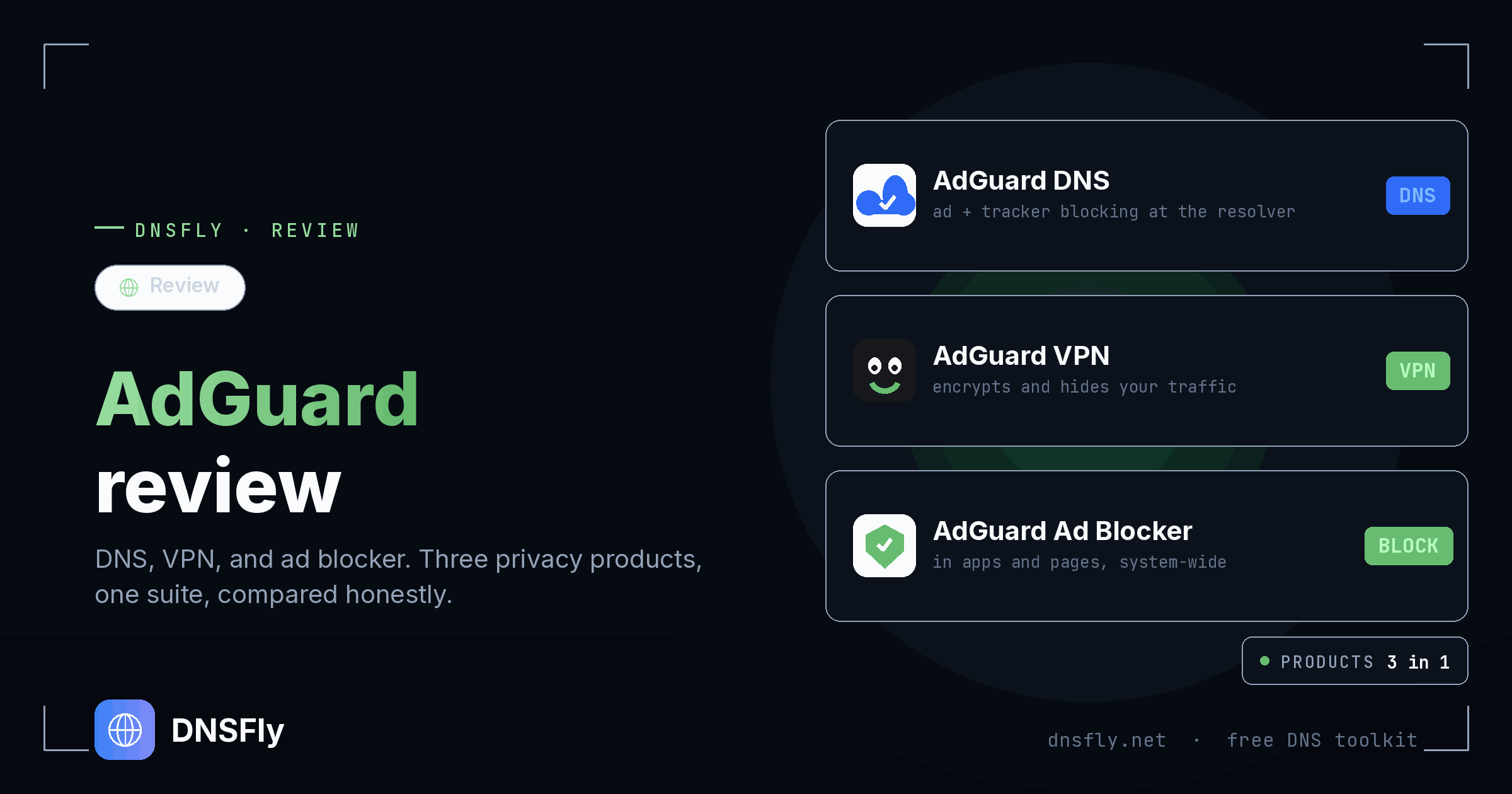
DNSFly earns a commission if you sign up through this link, at no extra cost to you.
AdGuard DNS
Network-wide ad and tracker blocking through a DNS resolver. No app to install.
AdGuard VPN
Encrypts and reroutes your traffic to hide your IP and location from networks and sites.
AdGuard Ad Blocker
System-wide blocker that strips ads inside pages and other apps, not just whole domains.
AdGuard is a privacy company that sells three things under one brand: a DNS resolver, a VPN, and an ad blocker. They overlap on the surface (all three "block stuff") but work at completely different layers, and you buy them separately.
We run a DNS toolkit, so DNS is the part we know best. This review is written from that angle: where each product genuinely helps, and where it doesn't. Every product below gets at least one real limitation, because none of them is the right answer for everyone.
AdGuard DNS
AdGuard DNS is a public DNS resolver that refuses to resolve domains belonging to ad networks, trackers, and known malware. You point a device (or your whole router) at its servers and ads stop loading across every app and browser, with nothing to install. The free public servers are 94.140.14.14 and 94.140.15.15.
What it does
Blocks ads and trackers at the DNS layer for an entire network, with support for encrypted DNS (DoH, DoT, DoQ).
Who it's for
Anyone who wants ad blocking on phones, smart TVs, and IoT devices without installing an app on each one.
Works on every device that accepts a DNS setting, including ones that can't run an ad blocker.
Set it once on your router and the whole house is covered.
Free tier is genuinely usable; paid plans add custom rules, per-device profiles, and query analytics.
The honest limitation: DNS blocking is all-or-nothing per domain. It can't remove an ad that loads from the same domain as the content, which is exactly how YouTube and Facebook serve theirs. It also can't strip the blank space an ad leaves behind. For those, you need the app or extension below.
Pricing: free public servers, or paid private plans that start around $2 to $3 per month billed yearly. Pricing changes, so check the current rate on AdGuard's site. See also our guide to the best public DNS servers and Cloudflare's 1.1.1.1 for non-blocking alternatives.
AdGuard VPN
AdGuard VPN is a separate product from the ad blocker, despite the shared name. It encrypts your connection and routes it through AdGuard's servers, hiding your IP from the sites you visit and your traffic from the network you're on. It uses its own protocol designed to be hard to detect, and supports split tunneling so you can exclude apps that misbehave behind a VPN.
What it does
Masks your IP and location and encrypts traffic on untrusted networks like public Wi-Fi.
Who it's for
People who already trust AdGuard and want general privacy and geo-unblocking without shopping around.
Custom protocol works in places where standard VPN traffic gets blocked.
Split tunneling and a free tier with a monthly data cap to test it first.
Pairs cleanly with the rest of the AdGuard apps under one account.
The honest limitation: it's the youngest product here, and its server network is smaller than established VPNs that publish independent no-logs audits. If your priority is a large, audited network for streaming or strong anonymity, a dedicated VPN still has the edge. Treat AdGuard VPN as a solid everyday VPN, not a specialist one.
Pricing: a limited free tier, with paid plans around $3 per month on an annual term. A VPN does not block ads, so it does not replace AdGuard DNS or the ad blocker.
AdGuard Ad Blocker
AdGuard's ad blocker is the full version: a standalone app for Windows, Mac, and Android that filters ads system-wide, including inside other apps, plus cosmetic filtering that removes the leftover ad space DNS blocking can't touch. There's also a free browser extension, which is lighter but only covers the browser it's installed in.
What it does
Blocks ads and trackers inside pages and apps, with cosmetic filtering, stealth mode, and browsing-security checks.
Who it's for
People who want the cleanest possible result on their main device and don't mind installing software.
Catches the ads DNS can't, including first-party and in-app ads, and hides empty ad slots.
A one-time lifetime license is available, not just a subscription.
The free browser extension is one of the better ones if you only need in-browser blocking.
The honest limitation: the powerful version is the paid desktop and Android app, and it runs per device, so there's nothing to set once for the whole network the way DNS does. On iOS, Apple's restrictions limit it to a content blocker that's far less capable than the Android or desktop app. Occasionally aggressive filtering breaks a site and you have to whitelist it.
Pricing: the browser extension is free. The full app is a subscription around $2.50 per month, or a one-time lifetime license that often pays for itself within two years across multiple devices.
The Verdict: Which One Should You Start With?
You don't need all three. Pick the one that matches what's actually bothering you, then add another later only if a gap remains.
Start with AdGuard DNS if…
You want ad blocking on every device in the house, especially phones, TVs, and gadgets you can't install software on. It's free to try and takes two minutes. This is the natural starting point for most people.
Add the ad blocker app if…
DNS blocking left ads on YouTube, in apps, or as blank gaps on your main computer. The app finishes the job that DNS can't on the device you use most.
Get the VPN only if…
You specifically need to hide your traffic and location, for example on public Wi-Fi or to change region. It's a privacy tool, not an ad blocker, so it solves a different problem from the other two.
Our take: start free with AdGuard DNS. It's the lowest-effort win and the closest to what we do here. Layer on the app or VPN only if you hit a wall the DNS resolver genuinely can't solve.
Switching to AdGuard DNS? Verify it worked
After pointing your device or router at a new resolver, check how your domain resolves across 21 global servers to confirm the change took effect.
DNS Propagation Checker